

ChatGPT
Connect ChatGPT to your account through the official Webmetic plugin.
Webmetic is an official plugin in the ChatGPT plugin directory. You install it there in a few clicks.
What you need beforehand is listed under Before you start.
-
Open ChatGPT Plugins and search for "Webmetic". Click the plugin by Webmetic GmbH.
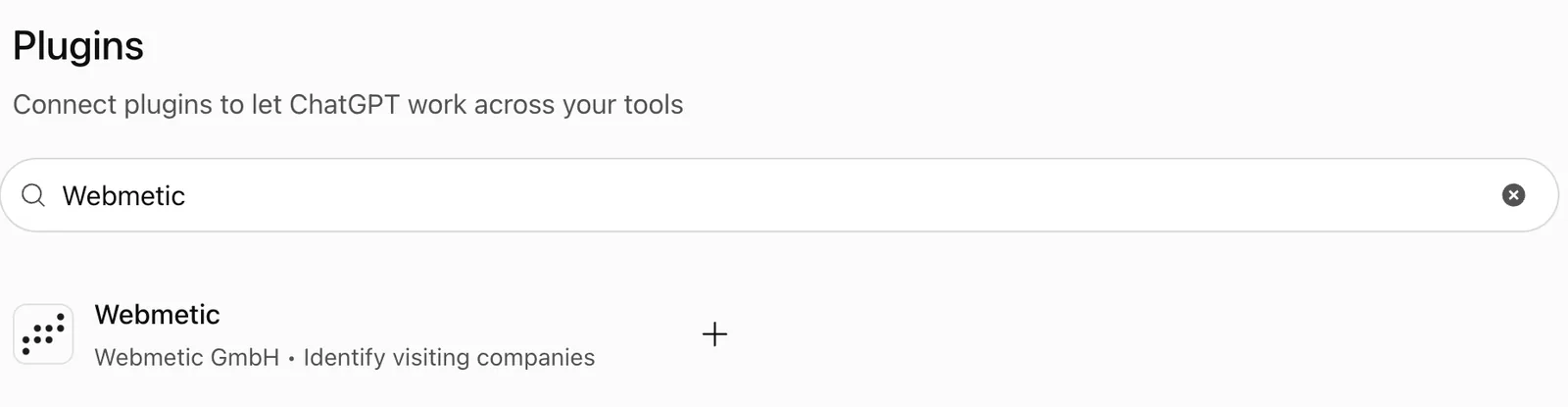
The search for Webmetic in ChatGPT Plugins with the plugin by Webmetic GmbH -
Click Install plugin.
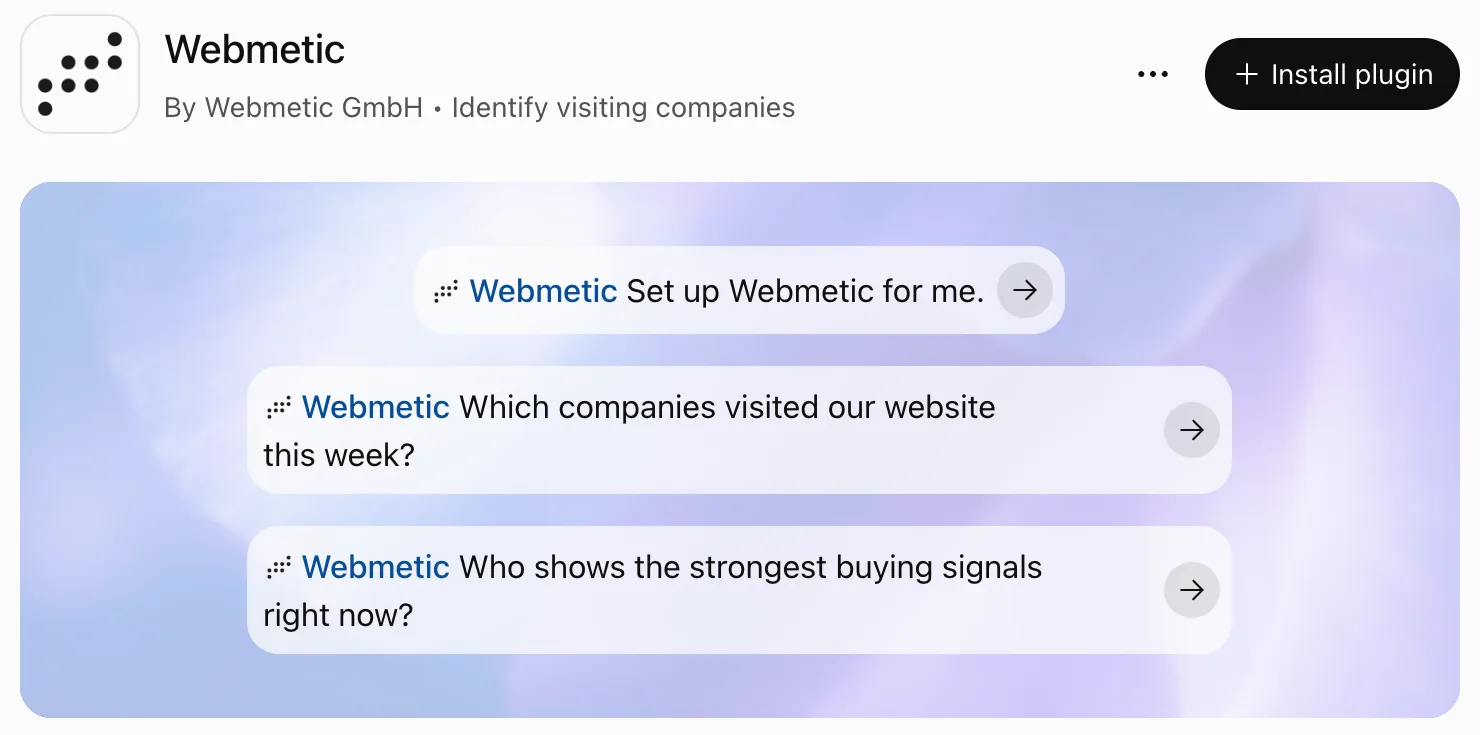
The Webmetic plugin page in ChatGPT with the Install plugin button -
In the Connect Webmetic window, click Connect Webmetic.
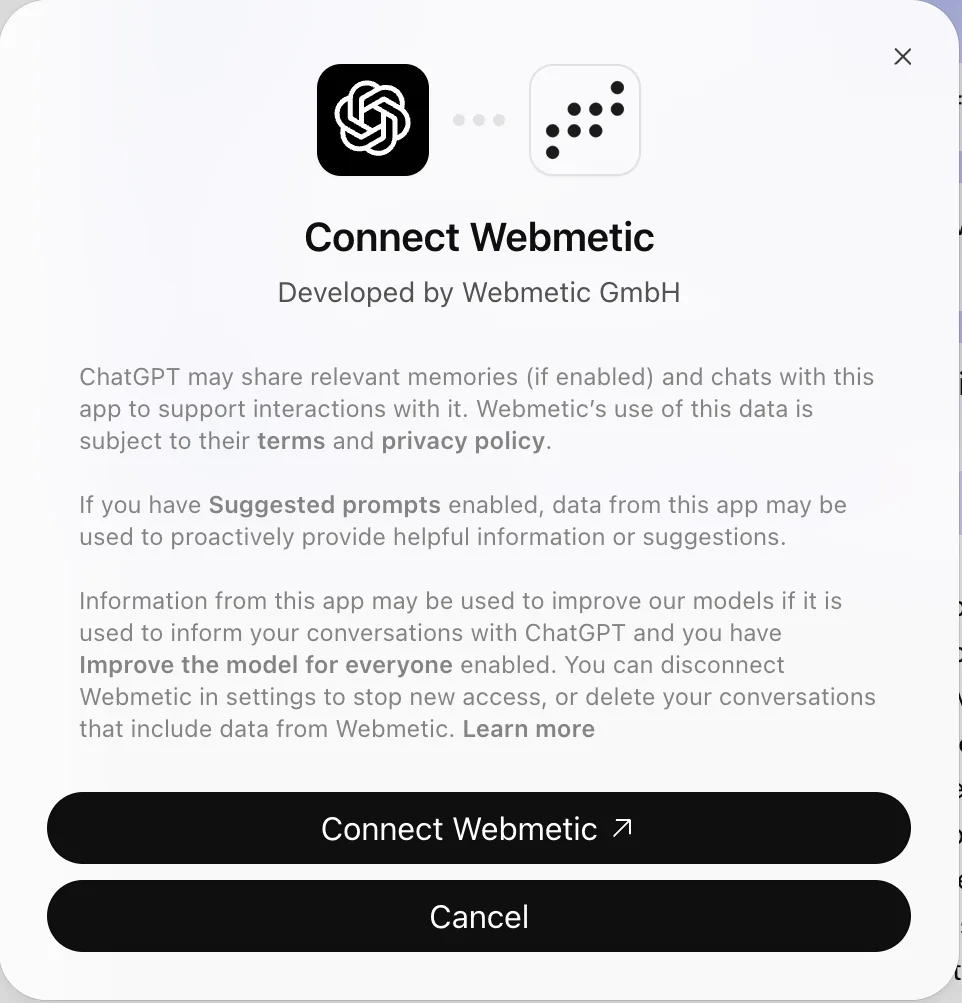
The Connect Webmetic window with the Connect Webmetic and Cancel buttons -
As soon as the page Webmetic verbinden opens, enter your E-Mail-Adresse and Passwort and click Anmelden und verbinden. ChatGPT is now connected to your account and shows Webmetic is ready for use.
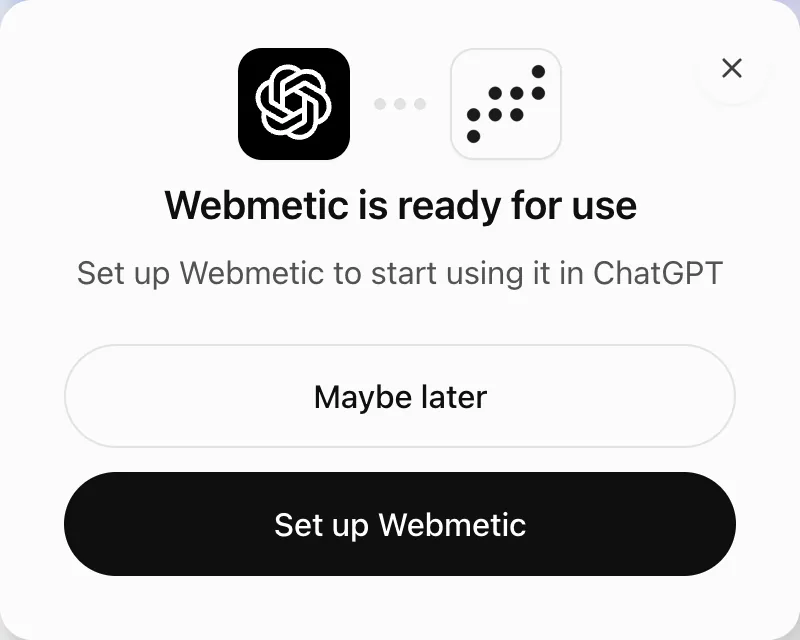
The message Webmetic is ready for use after signing in
To have ChatGPT use your Webmetic data, type @ in a chat and select Webmetic. Webmetic then appears before your question in the input field.

In ChatGPT Business and Enterprise, an admin decides which plugins the workspace may use. If you cannot find Webmetic, ask your admin.