

Visitor Intelligence
Visitor Intelligence shows which companies visited your website and what they looked at.
Visitor Intelligence is the first tab in the dashboard, on every plan and for every user of your account. It shows you, for example, that a machine builder read your pricing page three times this week. Start with the company list.
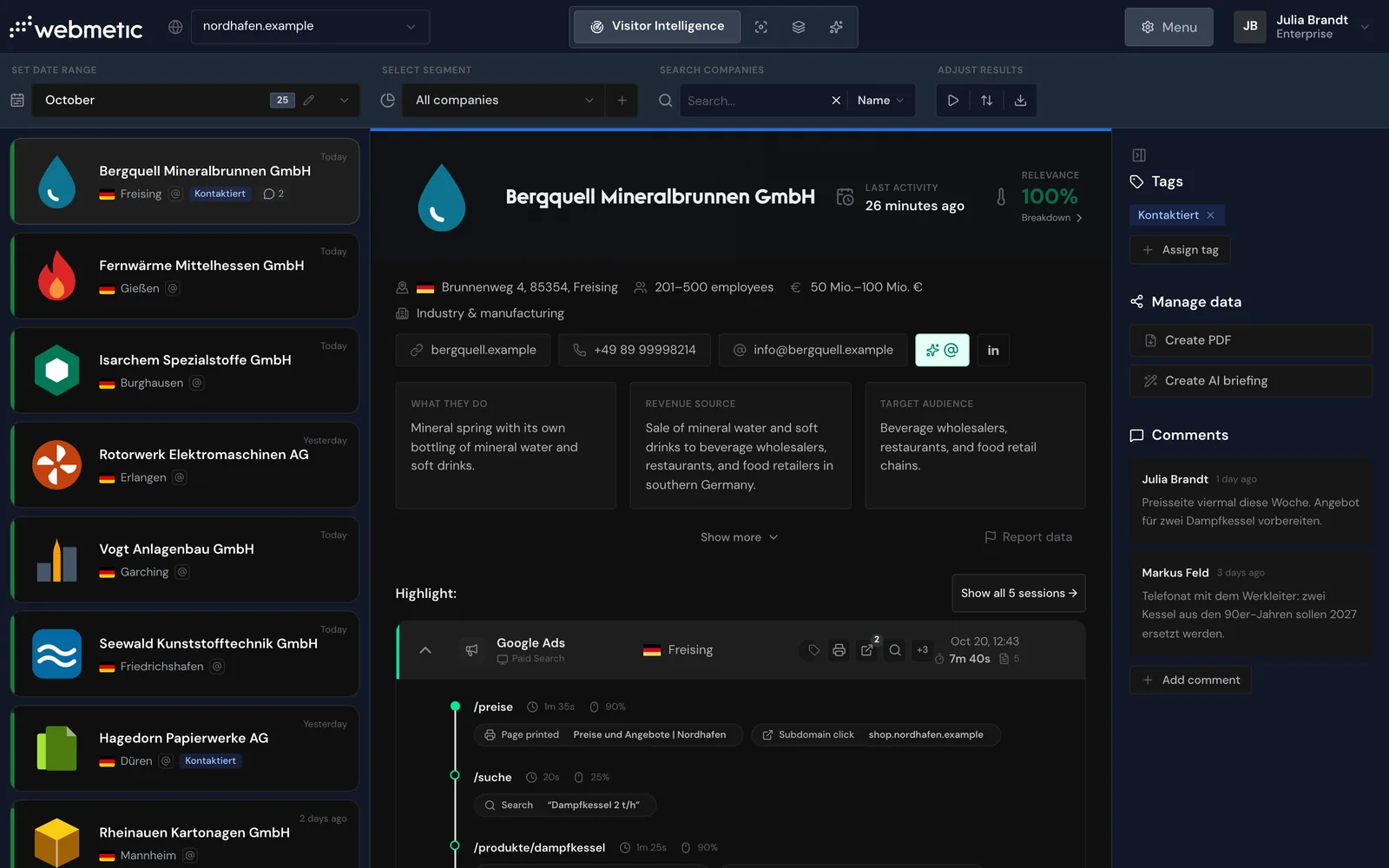
Below a bar for date range, segment, search, and sorting, the screen has three parts:
- List: on the left, the companies that visited your website in the chosen date range
- Profile: in the middle, the selected company with its data and visits
- Side panel: on the right, Tags, Manage data, and Comments for the selected company
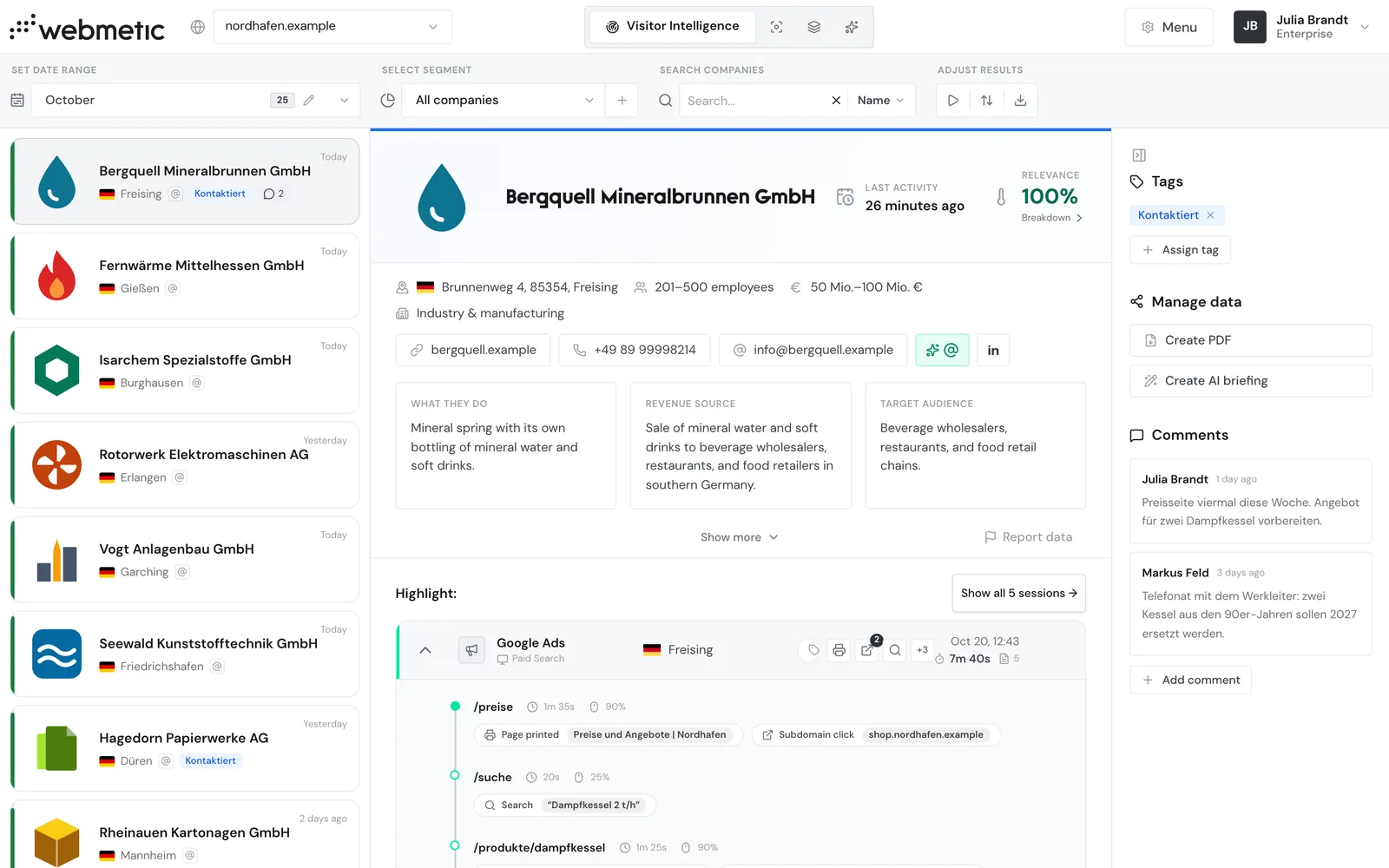
On the Free plan, you see the first 10 new companies each month with their name, and every further one appears blurred. Companies from your trial or paid time stay readable, as does any company that was readable once. For details, see Free plan.
List and filters
Company list
Read the list, choose a date range and segment, and set the order.
Filters and search
Search by name, visited page, or campaign, and share the view as a link.
Companies and visits
Company profile
Read a company's size, industry, and contact details.
Visits and page views
See when a company viewed which pages.
Recorded events
Look up which events Webmetic records during a visit.
Campaigns and channels
See which campaign or channel a visit came from.
Session recording
Watch recordings of individual visits.
Rate relevance
Relevance, activity, and fit
Understand how Webmetic calculates a company's relevance.
Ideal customer profile
Define which companies fit your offering.
Work with companies
Assign tags
Sort companies with tags, for example as Kunde or Kontaktiert.
Comments
Keep notes on a company for your team.
Manage data
Save a company as a PDF or send it to your CRM.
Export companies
Download the current list as a file.
Set up notifications
Get notified by email about new companies on a regular schedule.
Troubleshooting
Find solutions when companies or data are missing.