

Webhooks
Set up a webhook so that Webmetic sends new company visits to your system.
For example, a machine builder reads your pricing page for the first time. A few minutes after the visit appears in the dashboard, the company shows up in your CRM as a new lead.
A webhook reports companies, not people, and you don't have to poll the API for them.
- 1VisitWebmetic matches a visit to your website to a company.
- 2EventIf the visit matches your webhook, Webmetic creates an event.
- 3DeliveryWebmetic sends the event to your URL as a signed POST request.
- 4ResponseIf your system doesn't answer with 2xx, Webmetic tries again later.
Before you start
- Time: Setting it up in the dashboard takes a few minutes, plus the time to build the receiver in your system.
- Account: You need a Webmetic account with at least one website.
- Access: You need a public HTTPS address that accepts POST requests.
- Rights: In the dashboard, only admins set up webhooks. Through the API you need the Visitor Intelligence key, which only admins see under Menu > Integrations > API.
- Plan: Webhooks are available on every plan, but on the Free plan Webmetic only reports the companies you can see there. For details, see Plans.
- Cost: Webhooks don't cost credits.
Events
Each webhook waits for specific events, which have names in the dashboard and go by their type in the API:
| Type | In the dashboard | When Webmetic sends it |
|---|---|---|
company.identified | New company | A company visits your website for the first time. Once per company and website. |
company.returned | Returning company | A known company is back. Once per visit. |
company.intensive_visit | Engaged company | A visit lasts at least 30 seconds in total. Once per visit. |
segment.entered | New in segment | A company with a new visit now matches a segment. Once per company and segment. |
Webmetic sends an event a few minutes after the visit appears in the dashboard. One visit can trigger two events, for example New company and Engaged company.
A new webhook reports visits from the moment you create it, and it reports companies that visited before as returning. If your website already has or had a webhook, a new webhook can also report visits from the 48 hours before you created it that Webmetic only finished processing afterwards. Visits that Webmetic doesn't match to a company trigger no event.
Create a webhook
- Open Menu > Integrations > Webhooks.
- Click New webhook. The New webhook window opens.
- Under URL, enter the address of your receiver, starting with
https://. - Optional: Enter a Name, which appears as the webhook's name in the list.
- Choose an Event, because in the dashboard each webhook has exactly one.
- Choose the Websites. All websites of your account are selected at first.
- If you chose New in segment, choose a segment of these websites under Segment.
- Optional: Open Advanced.
- Click Add header and enter up to three headers of your own, for example a key your system requires.
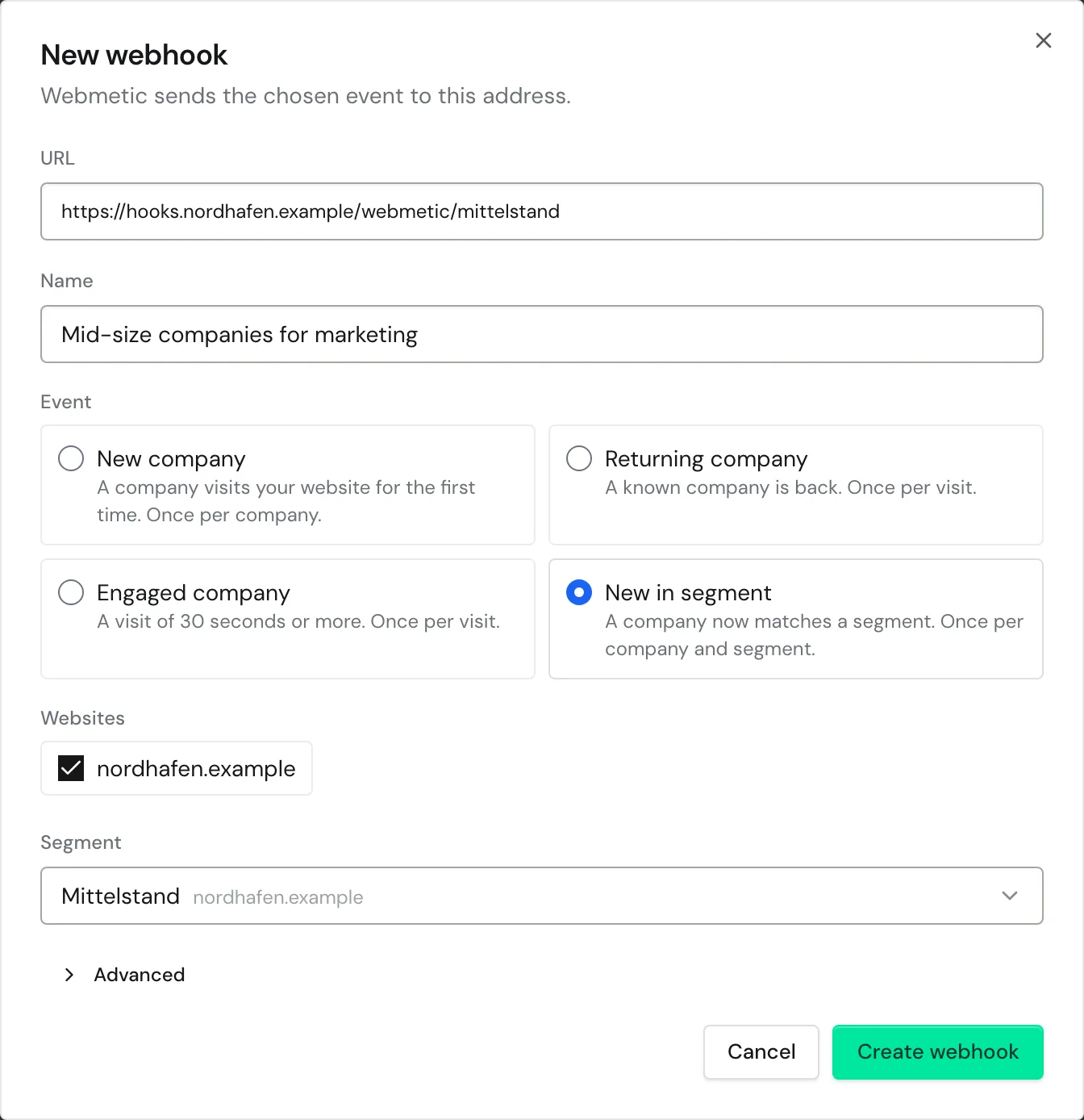
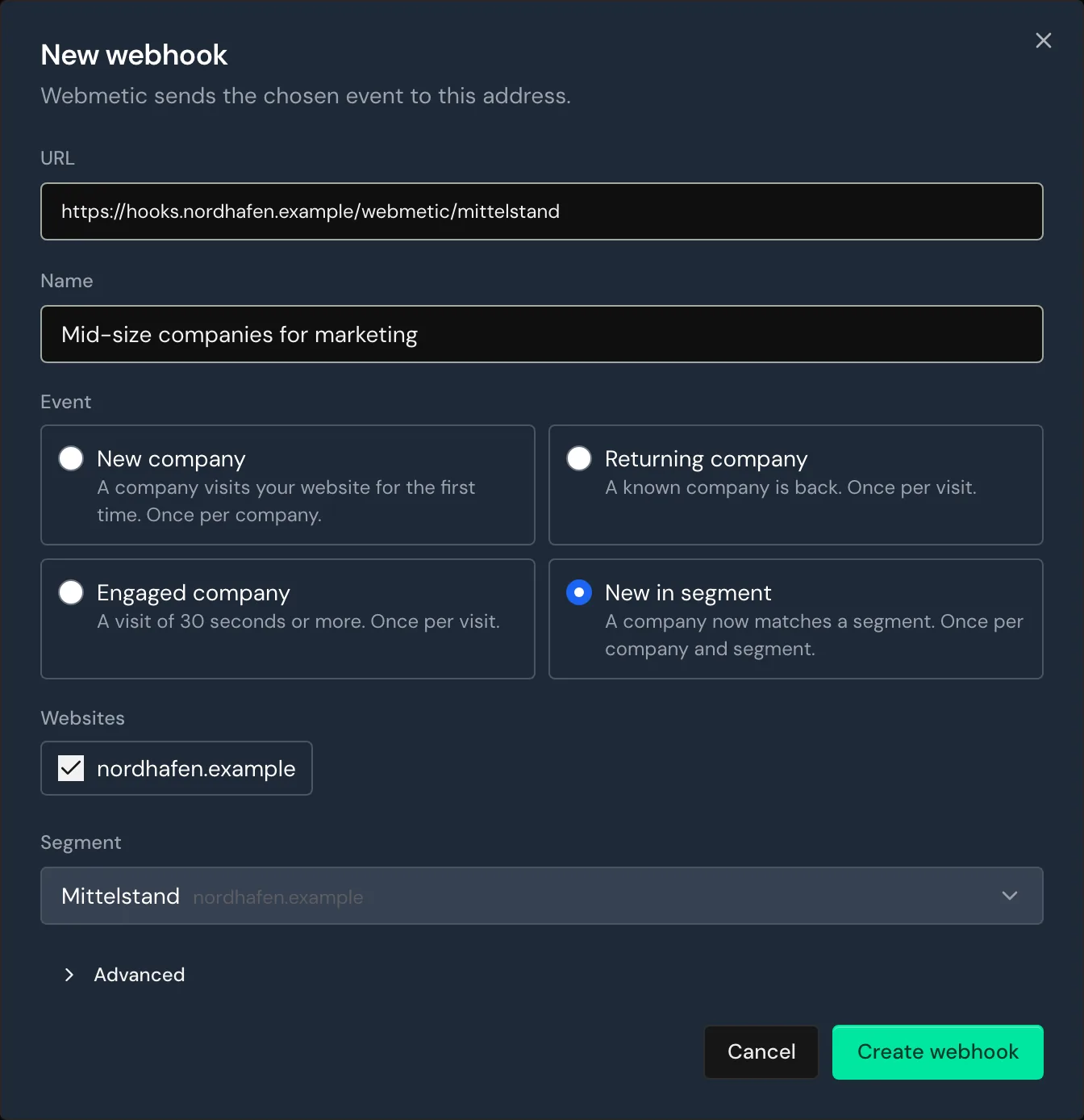
- Click Create webhook. Webmetic creates the webhook and shows its secret.
- If your system verifies the signature, copy the secret, because Webmetic shows it this one time only.
- Click Got it.
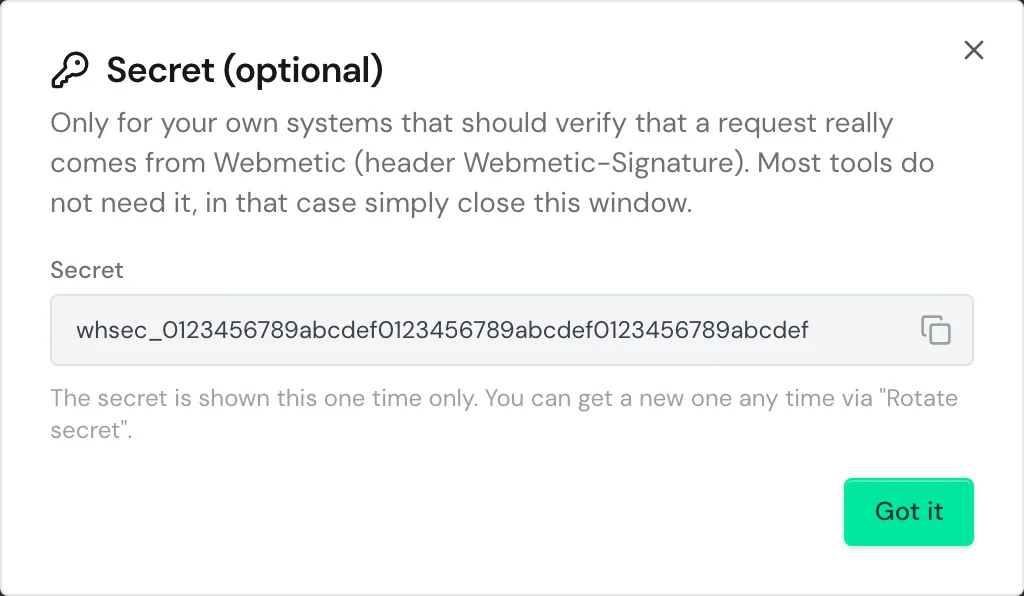
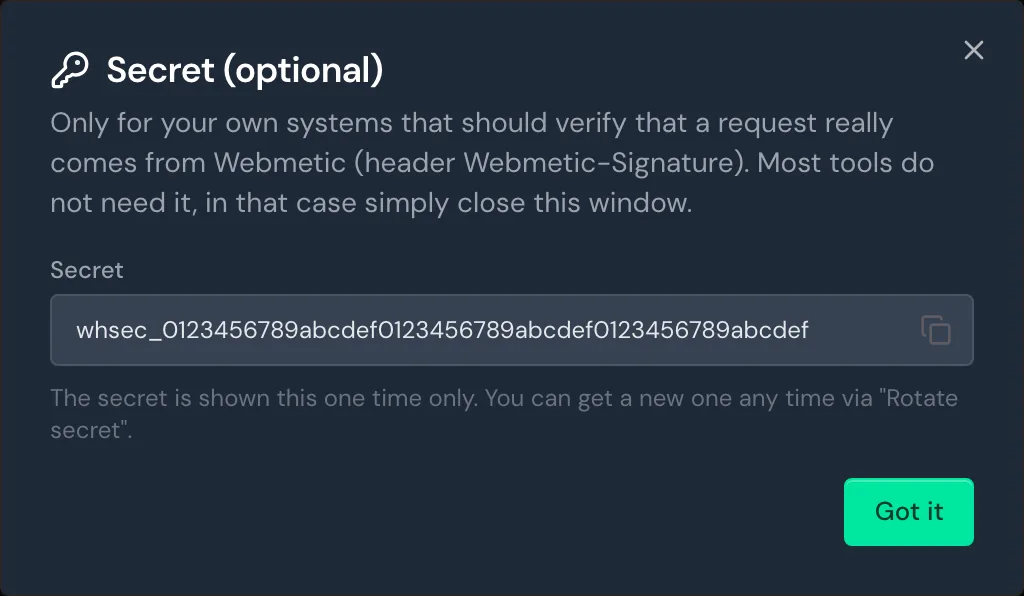
Webhooks created through the API also appear in the dashboard list. Through the API you can list and delete webhooks.
Data format
Every delivery is a POST request with UTF-8 JSON. The body always has these fields:
id: the event ID,evt_followed by 16 characters, which stays the same on retries.type: the event type, for examplecompany.returned.created_at: when Webmetic created the event.test:truefor test events.website: the website the visit was on.data.company: the company with the fields ofGET /company, without the fields Webmetic doesn't know.data.visit: the visit with its page views inuser_data, withnullfor unknown values.data.segment:idandlabelof the segment forsegment.entered, otherwisenull.data.truncated:trueif Webmetic shortened the body.
Timestamps are in UTC with Z. For details, see Date ranges and time zones.
The body has at most 50,000 bytes. If it gets larger, Webmetic first drops the oldest page views. If that isn't enough, Webmetic sets long descriptions and then the largest company fields to null. In both cases, data.truncated is true.
You also receive the headers Webmetic-Event with the type, Webmetic-Event-Id with the id, and Webmetic-Signature. Webmetic also sends your own headers.
The example is shortened, and Sample webhook event shows a complete event.
{
  "id": "evt_3f9c2a71b04d8e65",
  "type": "company.returned",
  "created_at": "2026-10-14T08:16:02.481000Z",
  "test": false,
  "website": "your-website.com",
  "data": {
    "company": {
      "company_id": "41ea486a9c95",
      "company_name": "Bergquell Mineralbrunnen GmbH",
      "company_url": "www.bergquell.example",
      "company_logo_url": "https://logos.docs.example/bergquell.png",
      "city": "Freising",
      "country": "Deutschland",
      "country_code": "DE",
      "employee_count": [201, 500],
      "relevance_score": 80.96,
      "fit_score": 92,
      "lead_score": 88.0
    },
    "visit": {
      "timestamp": "2026-10-14T08:12:05.214000Z",
      "session_id": "01M4WQFX6YM2X5V8T4N6R1C0DZ",
      "weburl": "https://your-website.com",
      "utm_source": "linkedin",
      "utm_medium": "social",
      "utm_campaign": "messe-2026",
      "session_duration": 309.0,
      "session_time": 103.0,
      "session_engagement": 284.0,
      "visitor_city": "Freising",
      "visitor_country_code": "DE",
      "user_data": [
        {
          "timestamp": "2026-10-14T08:12:05.214000Z",
          "document_location": "https://your-website.com/pricing?utm_source=linkedin&utm_medium=social&utm_campaign=messe-2026",
          "document_title": "Pricing",
          "scroll_depth": 75,
          "referrer": "https://www.linkedin.com/",
          "time_spent": 95.0,
          "engagement_time": 70,
          "user_events_count": 1
        }
      ]
    },
    "segment": null,
    "truncated": false
  }
}
Verify the signature
Your system uses the signature to check whether a delivery comes from Webmetic. The Webmetic-Signature header has the form t=1792660800,v1= followed by the signature:
t: the time of sending in Unix seconds.v1: HMAC-SHA256 overt, a dot, and the body, with your secret as the key, in lowercase hex.
To verify a delivery:
- Read the body unchanged as bytes, because JSON you re-encode doesn't match the signature.
- Compute the signature with the whole secret, including the
whsec_prefix. - Compare the result with every
v1value. One match is enough. - Reject deliveries whose
tis more than 5 minutes away from your clock.
import { createHmac, timingSafeEqual } from "node:crypto";

export function verifyWebmeticSignature(header, rawBody, secret, tolerance = 300) {
  let timestamp;
  const signatures = [];
  for (const part of header.split(",")) {
    const [key, value] = part.trim().split("=");
    if (key === "t") timestamp = Number(value);
    if (key === "v1" && value) signatures.push(value);
  }
  if (!timestamp || signatures.length === 0) return false;
  if (Math.abs(Date.now() / 1000 - timestamp) > tolerance) return false;
  const expected = createHmac("sha256", secret).update(`${timestamp}.`).update(rawBody).digest();
  return signatures.some((s) => {
    const given = Buffer.from(s, "hex");
    return given.length === expected.length && timingSafeEqual(given, expected);
  });
}
If you lose the secret, replace it in the dashboard with Rotate secret. The old secret stays valid for 24 hours, and during that time the header carries two v1 values.
Respond to deliveries
If your system doesn't answer within 10 seconds with a 2xx status code, the delivery counts as failed. Do longer work afterwards, for example through a queue.
On 408, 429, any 5xx, timeouts, and connection errors, Webmetic tries again. Any other 4xx status ends the delivery without another attempt.
Because Webmetic doesn't follow redirects, enter the final address.
Retries run for up to 3 days, with gaps that grow from one minute to up to 24 hours. Each attempt carries the same id and a new signature.
So detect duplicate deliveries by their id, and don't rely on a fixed order of events.
Test a webhook
- Open Menu > Integrations > Webhooks.
- Click Test on your webhook. Webmetic sends a test event right away and shows the status code of your response.
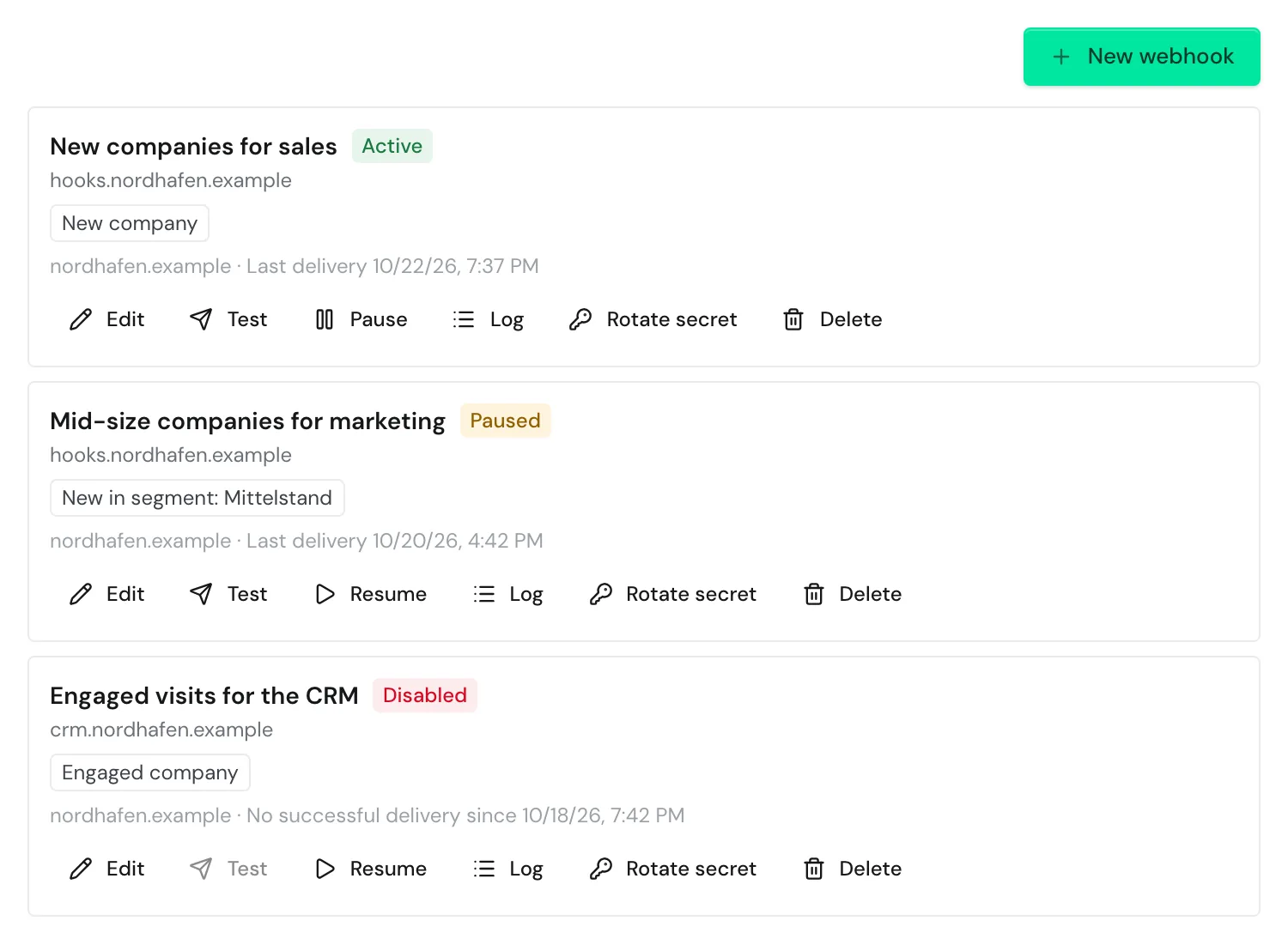
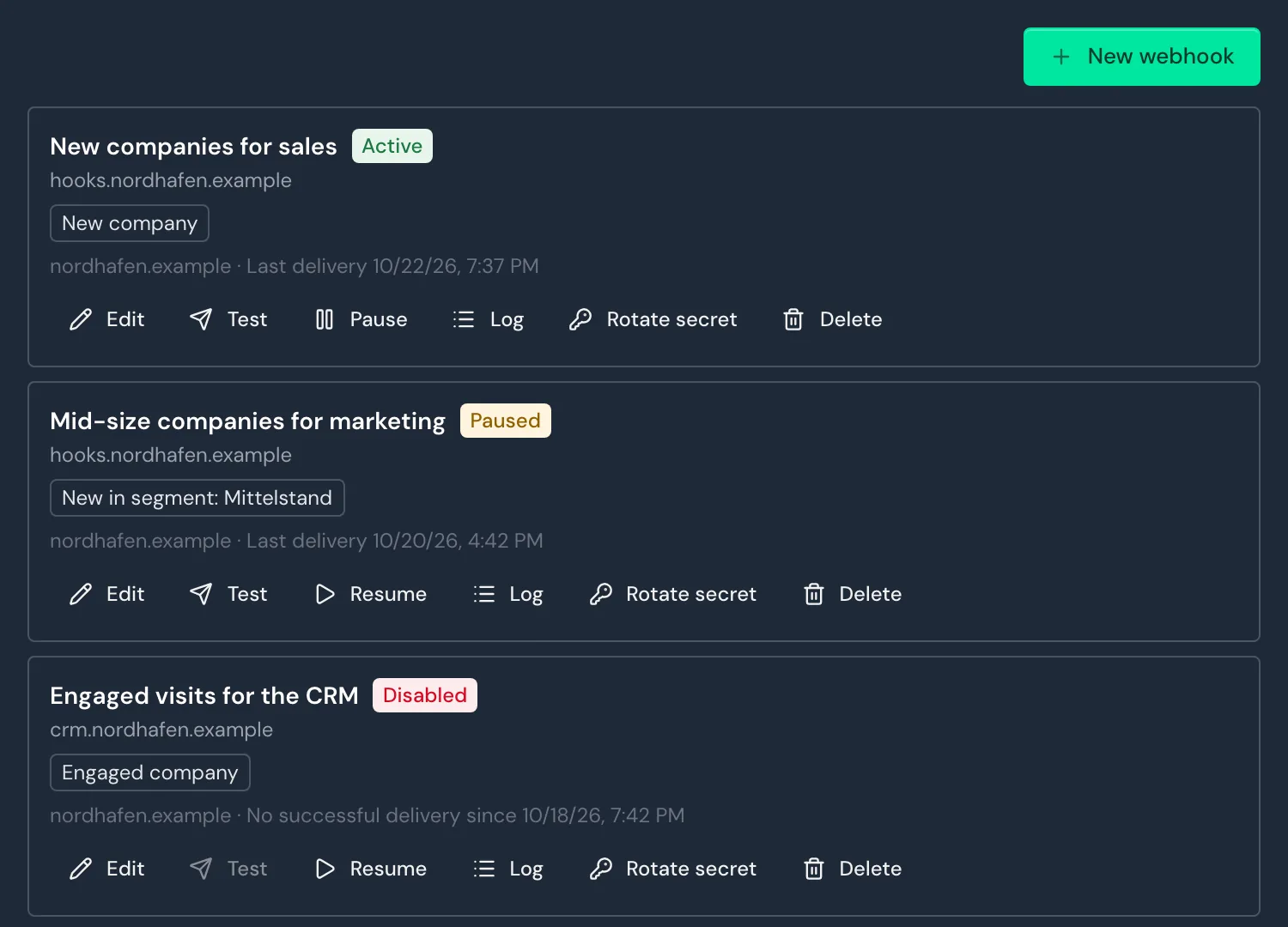
Test events always carry the id evt_test and the invented company "Beispiel GmbH". The API returns a sample without a delivery:
curl "https://hub.webmetic.de/webhooks/sample?event=company.returned" \
  -H "Authorization: wmtc_YOUR_API_KEY"
Re-enable a webhook
If no delivery succeeds for 3 days, Webmetic disables the webhook. The list then shows the status Disabled, and every admin of your account receives an email.
While the webhook is disabled, Webmetic creates no events for it. To turn it back on:
- Open Menu > Integrations > Webhooks.
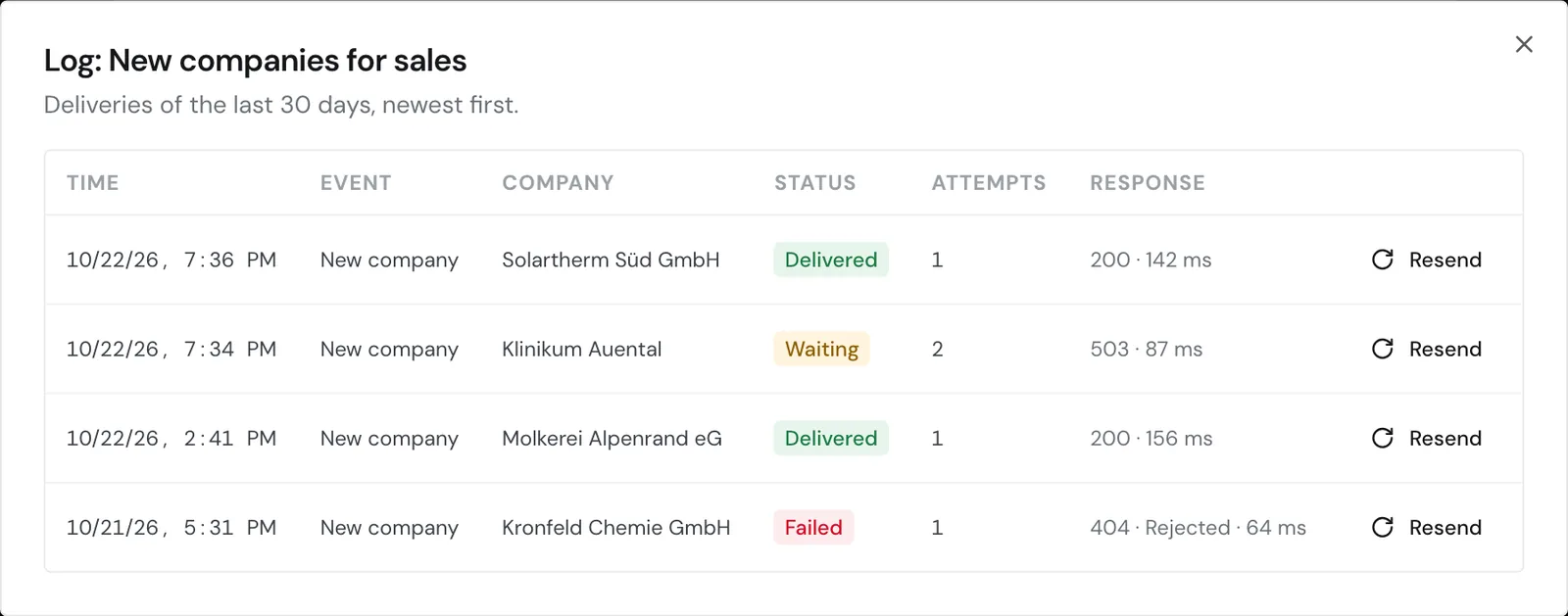
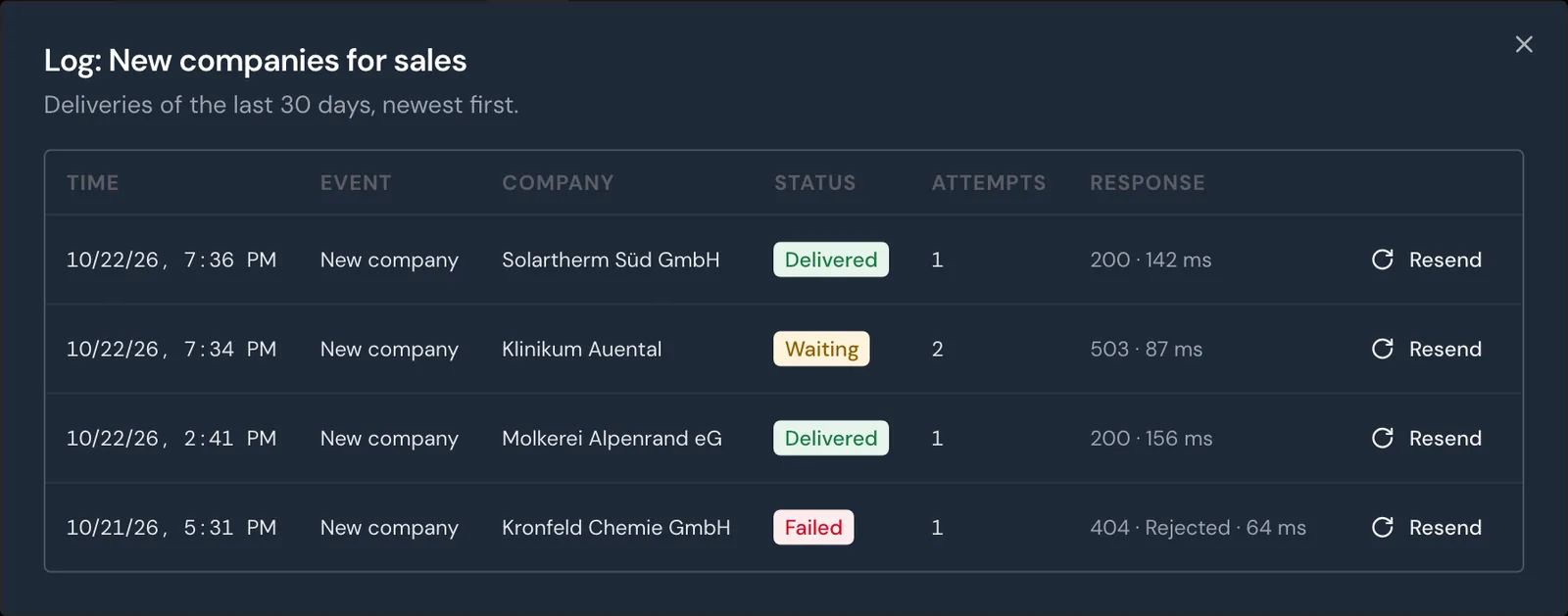
- Click Log on the webhook. The log shows the newest 50 deliveries with status, attempts, and response.
- Fix the error in your system.
- Click Resume. The webhook has the status Active again.
You can send single deliveries again from the log with Resend. Resume is only available in the dashboard, not in the API.
With Pause you stop a webhook yourself. Webmetic then keeps the events and sends them once you click Resume. Webmetic no longer sends events older than 30 days, and the log shows them as Failed with Event expired.
Edit a webhook
- Open Menu > Integrations > Webhooks.
- Click Edit on the webhook. The Edit webhook window opens.
- Change the Name, Event, Websites, Segment, or the headers under Advanced. A header without a new Value keeps its stored value.
- Click Save.
Because you can't change the URL, create a new webhook for a new address.
Because the API doesn't offer editing, delete the webhook there and create it again.
Delete a webhook
Deleting can't be undone. Webmetic no longer sends waiting deliveries, and you can no longer open the log. Check the Log first to see whether deliveries are still waiting.
- Open Menu > Integrations > Webhooks.
- Click Delete on the webhook.
- Within 3 seconds, click Click again. Webmetic deletes the webhook.
Through the API, you delete the webhook with Delete webhook.
Limits
- In the dashboard, you can create webhooks while your account has fewer than 10 of them. Through the API, you can have up to 50, and both ways count together.
- You can give each webhook up to three headers of your own, and Webmetic never shows their values again.
- The URL needs
https://and a public address, but no user name and no password. - If you add a website to your account later, include that website in existing webhooks with Edit.
- The endpoints under
/webhookscurrently have no rate limit. For details, see Rate limits.