

Integrations
Integrations bring the companies Webmetic identifies into your CRM, your email marketing, your automations, and Matomo.
If you send Bergquell Mineralbrunnen to HubSpot, for example, Webmetic creates a record for the company there and adds its visits as notes. Depending on the tool, Webmetic sends the data, or your tool fetches it with an API key. No data flows back from your tool into Webmetic.
If you use HubSpot, start with HubSpot.
Open the integrations
Click Menu > Integrations. This is where you connect HubSpot, Lexware Office, Samdock, and Evalanche. In the menu, Lexware Office is called Lexware. Under API you'll find your API keys, under Webhooks you create webhooks, and under MCP you'll find the AI assistant.
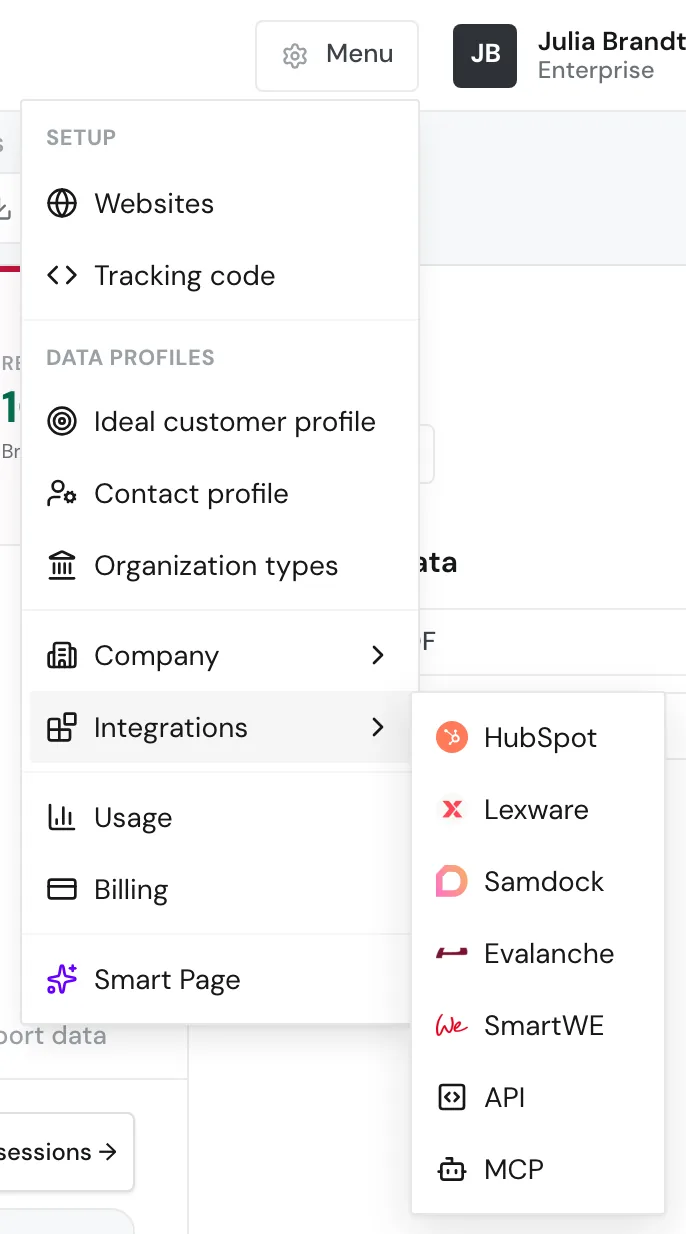
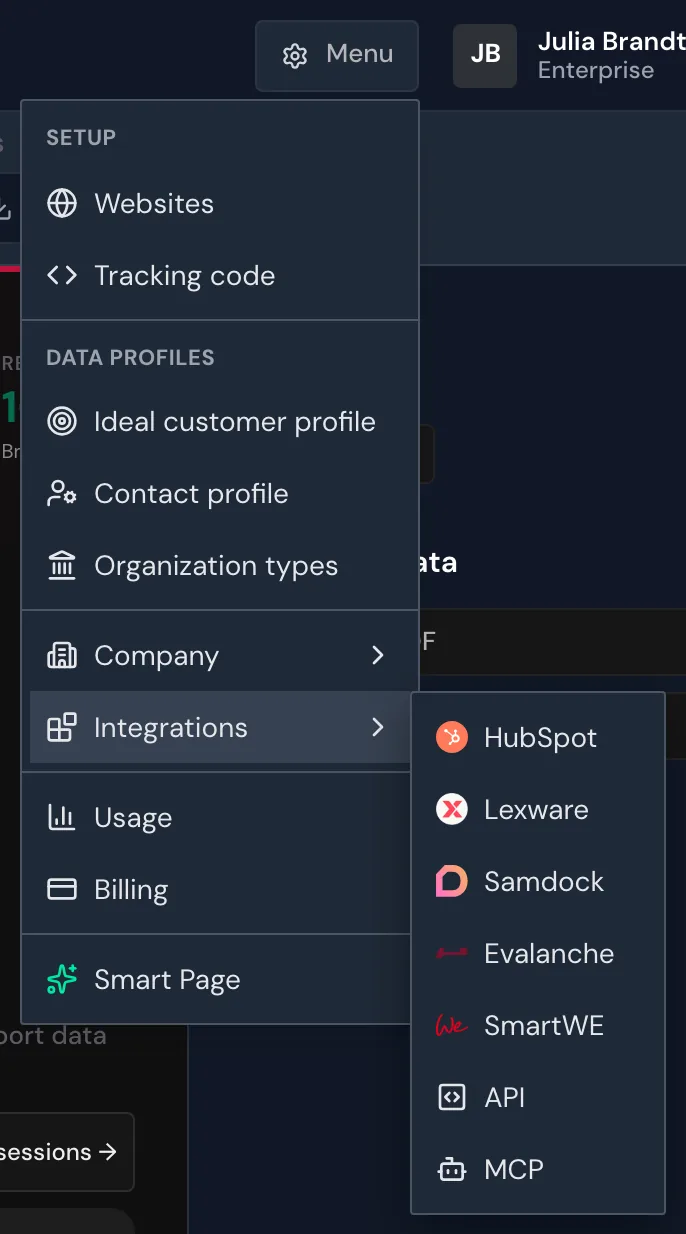
Only admins see the Integrations menu item. If a partner runs your account under its own name, HubSpot, Lexware Office, Samdock, and Evalanche aren't available yet. The partner then decides whether the API, webhooks, and the AI assistant appear in the menu. Once HubSpot, Lexware Office, or Samdock is connected, every user can send a company from its profile, for example with the Send to HubSpot button.
Integrations are part of every plan, including the Free plan. On the Free plan, Webmetic only transfers the companies you see by name. For details, see Free plan. n8n, Make, and Zapier receive the others as "Verborgenes Unternehmen" (hidden company) with no other data. Webmetic doesn't send them through webhooks at all, so Clay doesn't get them either.
The integrations cost no credits. Unlocking contacts costs credits, also through n8n and the API. For details, see Credits.
Webmetic sends data
You connect these tools in the dashboard. Webmetic transfers the companies and never deletes a record in your tool.
HubSpot
Create companies or match them by domain, add visits as notes, and keep fields up to date.
Lexware Office
Create each company once as a contact with address, email address, and phone number, without visits.
Samdock
Send each company once to the inbox as a request with an organization and a lead, without individual visits.
Evalanche
Write company data and segments into existing profiles in your Evalanche pool.
Webhooks
Send new companies or visits as events to your own system or another tool.
Clay
Send every new company to a Clay table as a row, through a webhook.
Your tool fetches data
These tools query Webmetic with an API key. You'll find the key under Menu > Integrations > API.
n8n
Fetch new, returning, or intensive visits in workflows and find contacts.
Make and Zapier
Start Make scenarios and Zapier Zaps on new, returning, or intensive visits.
Matomo plugin
Add the company to new visits in Matomo, with its own report and segments.
AI assistant and API
- AI assistant: Query your visitor data over MCP in ChatGPT, Claude, and other AI clients.
- API: Fetch visits, companies, and contacts from your own systems.