

Identification rate and data quality
The identification rate is the share of visits that Webmetic matches to a company.
The identification rate shows how many visits to your website Webmetic matches to a company, and it's never 100%. For example, a buyer reads your pricing page at the office and again on their phone in the evening. Webmetic identifies the office visit, but usually not the visit from the mobile network.
Because Webmetic would rather name no company than the wrong one, the numbers in the dashboard are a reliable lower bound, not the full picture.
Which visits stay anonymous
Webmetic identifies a company by the network a visit comes from. If the network doesn't belong to a company, the visit stays anonymous. This mainly affects:
- Mobile networks: many devices share one address, which belongs to the mobile carrier.
- Home office: a home internet connection is registered to the internet provider, not the employer.
- VPN, cloud, and security services: many companies route their traffic through external services. The visit then comes from the service's network, which thousands of companies share.
- Private visitors: someone browsing privately doesn't belong to a company.
- Bots: Webmetic filters out automated traffic and doesn't count it as a visit.
What affects your identification rate
There's no rate that applies to everyone, because your own depends mainly on who visits your website:
| Factor | Higher rate | Lower rate |
|---|---|---|
| Audience | Business customers | Consumers or a mixed audience |
| Where your visitors work | Office with a company network | Home office, on the road |
| Device | Desktop | Smartphone |
| Occasion | Research at the desk | Trade fairs and events, mostly on mobile |
| Website reach | Specialist audience | Broad audience with many private visits |
You work out your own rate during the trial. To do that, compare the number of identified companies with the visits in your analytics tool.
How Webmetic prevents wrong matches
Webmetic only matches a network to a company when the evidence is clear. Fixed rules apply:
- Organizations only: Webmetic names companies, universities, and public authorities. Under Menu > Organization types, you choose whether universities and authorities appear in your list.
- No shared networks: Webmetic never matches networks of internet providers, mobile carriers, cloud services, or VPNs to a company.
- Evidence expires: old evidence loses its validity, so a company stops appearing once it has given up a network.
- Your own visits: Webmetic automatically hides visits from your own company, provided the tracked website belongs to your company. On other domains, hide your company with the domain blacklist.
Public networks such as hotel or trade fair Wi-Fi are an exception. There, Webmetic may show the network operator instead of your visitor's company.
Report wrong data
The Report data button sits in the company profile next to Show more. It only appears on a large screen and only when the profile has a description or a VAT ID.
If a company is matched incorrectly or its data is wrong, report the record:
- Open the company profile.
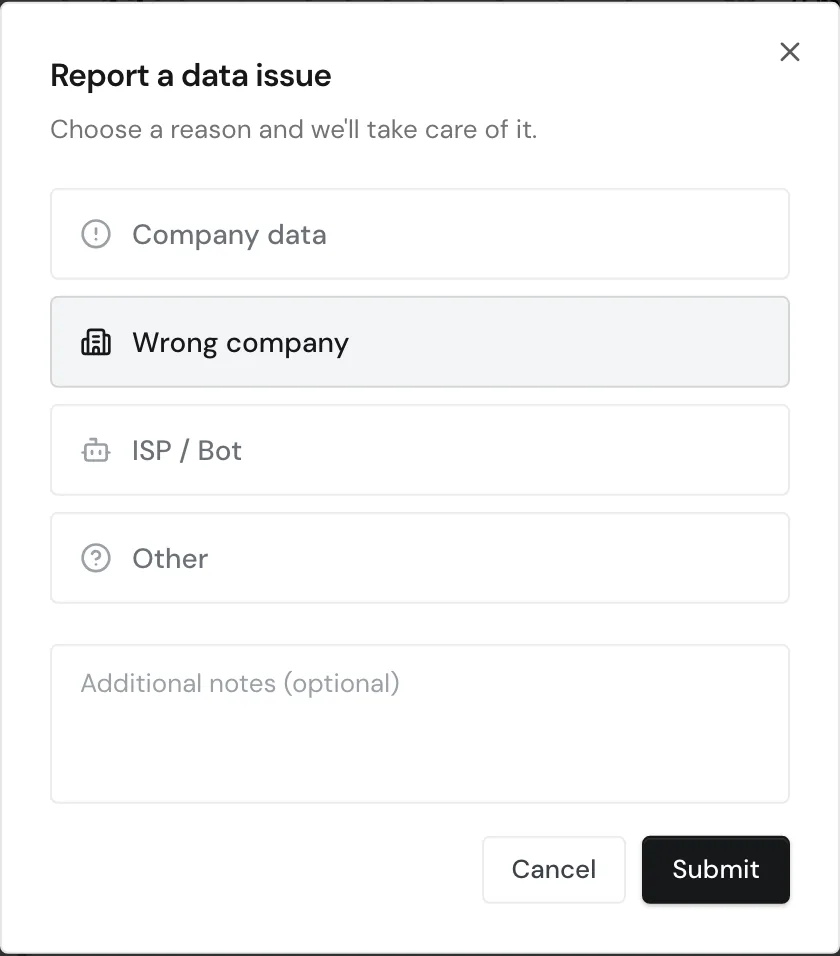
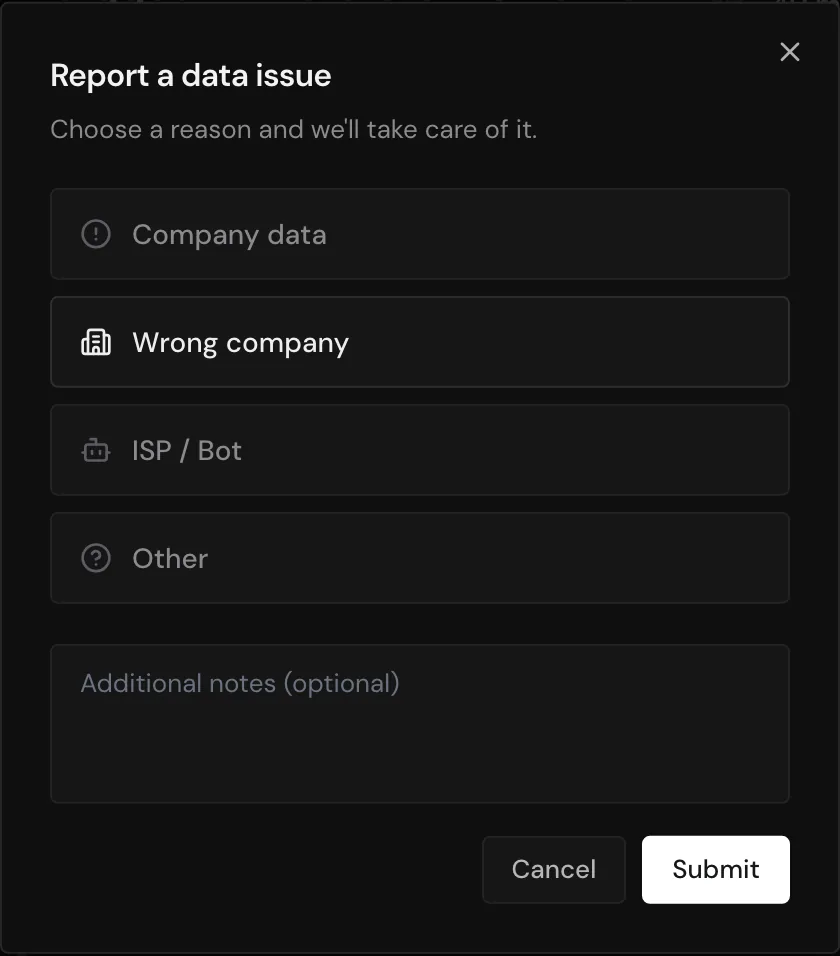
- Click Report data. The Report a data issue window opens.
- Choose a reason: Company data, Wrong company, ISP / Bot, or Other.
- Optional: describe the problem under Additional notes.
- Click Submit. Webmetic reviews the record.
Exclude domains
If there are companies you never want to see in your list, for example your agency or your service providers, add their domains to the domain blacklist:
- Open Menu > Company > Domain blacklist.
- Enter one domain per line, for example
agency-example.com. - Click Save.
The domain blacklist applies to new visits and automatically excludes subdomains too.