
%20--%3e%3csvg%20version='1.1'%20id='Logo'%20xmlns='http://www.w3.org/2000/svg'%20xmlns:xlink='http://www.w3.org/1999/xlink'%20x='0px'%20y='0px'%20viewBox='0%200%20227.7%2039.7'%20style='enable-background:new%200%200%20227.7%2039.7;'%20xml:space='preserve'%3e%3cstyle%20type='text/css'%3e%20.st0{fill:%231D1D1B;}%20%3c/style%3e%3cg%3e%3cpath%20class='st0'%20d='M218.6,38.9c-6.5,0-11.4-4.9-11.4-11.3s4.9-11.3,11.4-11.3c3.4,0,6.4,1.3,8.4,3.6l0.1,0.2l-3.3,3.2l-0.2-0.2%20c-1.2-1.4-3.1-2.3-5.1-2.3c-3.9,0-6.6,2.8-6.6,6.8s2.8,6.8,6.6,6.8c2,0,3.9-0.8,5.1-2.3l0.2-0.2l3.3,3.2l-0.1,0.2%20C224.9,37.7,222,38.9,218.6,38.9z'/%3e%3cpath%20class='st0'%20d='M87.5,38.9c-6.4,0-11.3-4.8-11.3-11.1s4.8-11.4,11.3-11.4S98.4,21,98.4,27.6v2H81c0.7,3,3.2,5,6.5,5%20c2.5,0,4.3-1.1,5.2-2.1l0.2-0.2l3.2,3.1l-0.2,0.2C94,37.7,91,39,87.5,38.9L87.5,38.9z%20M93.5,25.4c-0.3-2.7-2.9-4.7-6.1-4.7%20s-5.5,1.8-6.3,4.7H93.5z'/%3e%3cpath%20class='st0'%20d='M112.9,38.9c-2.4,0-4.7-0.7-6.6-2.2v1.6h-4.7V8h4.7v10.5c1.9-1.4,4.2-2.1,6.6-2.1c6.5,0,11.4,4.8,11.4,11.3%20S119.5,38.9,112.9,38.9L112.9,38.9z%20M112.9,20.9c-3.8,0-6.6,2.9-6.6,6.8s2.8,6.8,6.6,6.8s6.6-2.9,6.6-6.8S116.7,20.9,112.9,20.9z'%20/%3e%3cpath%20class='st0'%20d='M151.9,38.4V24.6c0-2.1-1.6-3.7-3.7-3.7s-3.8,1.6-3.8,3.7v13.9h-4.7V24.6c0-2.1-1.6-3.7-3.7-3.7%20s-3.8,1.6-3.8,3.7v13.9h-4.6V16.9h4.2v1.6c0,0,1.6-2.2,4.7-2.2c2.3,0,4.4,1,5.9,2.7c0.9-1.1,2.8-2.7,6.1-2.7c4.4,0,8,3.5,8,7.9%20v14.2H151.9L151.9,38.4z'/%3e%3cpath%20class='st0'%20d='M170.9,38.9c-6.4,0-11.3-4.8-11.3-11.1s4.9-11.4,11.3-11.4s10.9,4.6,10.9,11.2v2h-17.3c0.7,3,3.2,5,6.5,5%20c2.5,0,4.3-1.1,5.2-2.1l0.2-0.2l3.2,3.1l-0.1,0.2C177.4,37.7,174.4,39,170.9,38.9L170.9,38.9z%20M176.9,25.4%20c-0.3-2.7-2.9-4.7-6.1-4.7s-5.5,1.8-6.3,4.7H176.9L176.9,25.4z'/%3e%3crect%20x='199.4'%20y='17.2'%20class='st0'%20width='4.7'%20height='21.3'/%3e%3cpolygon%20class='st0'%20points='195.9,17.2%20191.9,17.2%20191.9,12.1%20187.1,12.1%20187.1,17.2%20183.1,17.2%20183.1,21.1%20187.1,21.1%20187.1,38.4%20191.9,38.4%20191.9,21.1%20195.9,21.1%20'/%3e%3cpolygon%20class='st0'%20points='70.7,16.9%2065.5,31%2060.8,19.3%2057.5,19.3%2052.7,31%2047.6,16.9%2042.5,16.9%2050.7,38%2054.8,38%2059.1,26.3%2063.4,38%2067.5,38%2075.8,16.9%20'/%3e%3c/g%3e%3cg%3e%3ccircle%20class='st0'%20cx='3.5'%20cy='34.8'%20r='3.2'/%3e%3ccircle%20class='st0'%20cx='3.5'%20cy='24.4'%20r='3.2'/%3e%3ccircle%20class='st0'%20cx='13.9'%20cy='24.4'%20r='3.2'/%3e%3ccircle%20class='st0'%20cx='24.3'%20cy='24.4'%20r='3.2'/%3e%3ccircle%20class='st0'%20cx='13.9'%20cy='14'%20r='3.2'/%3e%3ccircle%20class='st0'%20cx='24.3'%20cy='14'%20r='3.2'/%3e%3ccircle%20class='st0'%20cx='34.6'%20cy='14'%20r='3.2'/%3e%3ccircle%20class='st0'%20cx='34.6'%20cy='3.6'%20r='3.2'/%3e%3c/g%3e%3c/svg%3e)
Sales Intelligence
Your sales team calls.Now everyone knows where things stand.
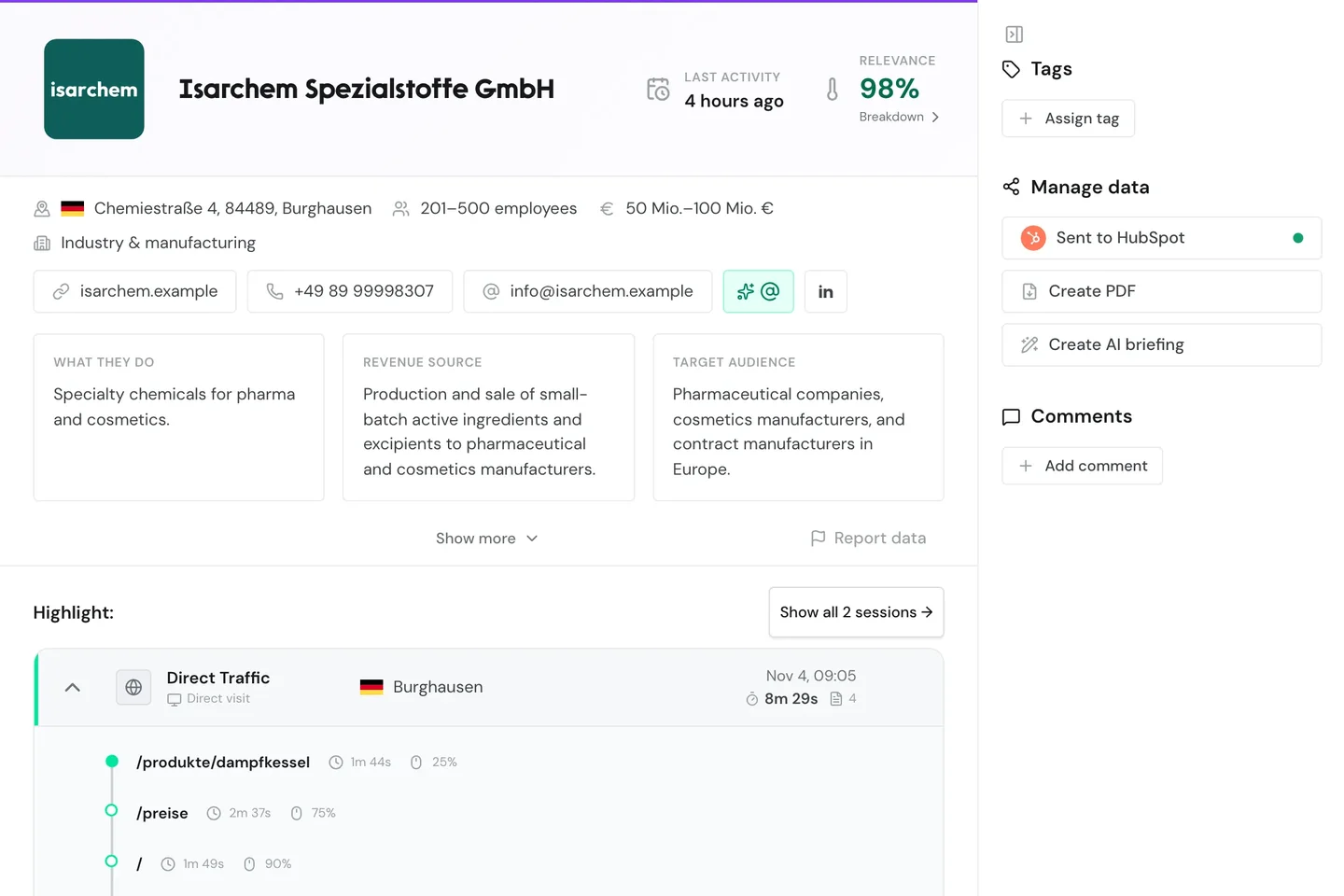
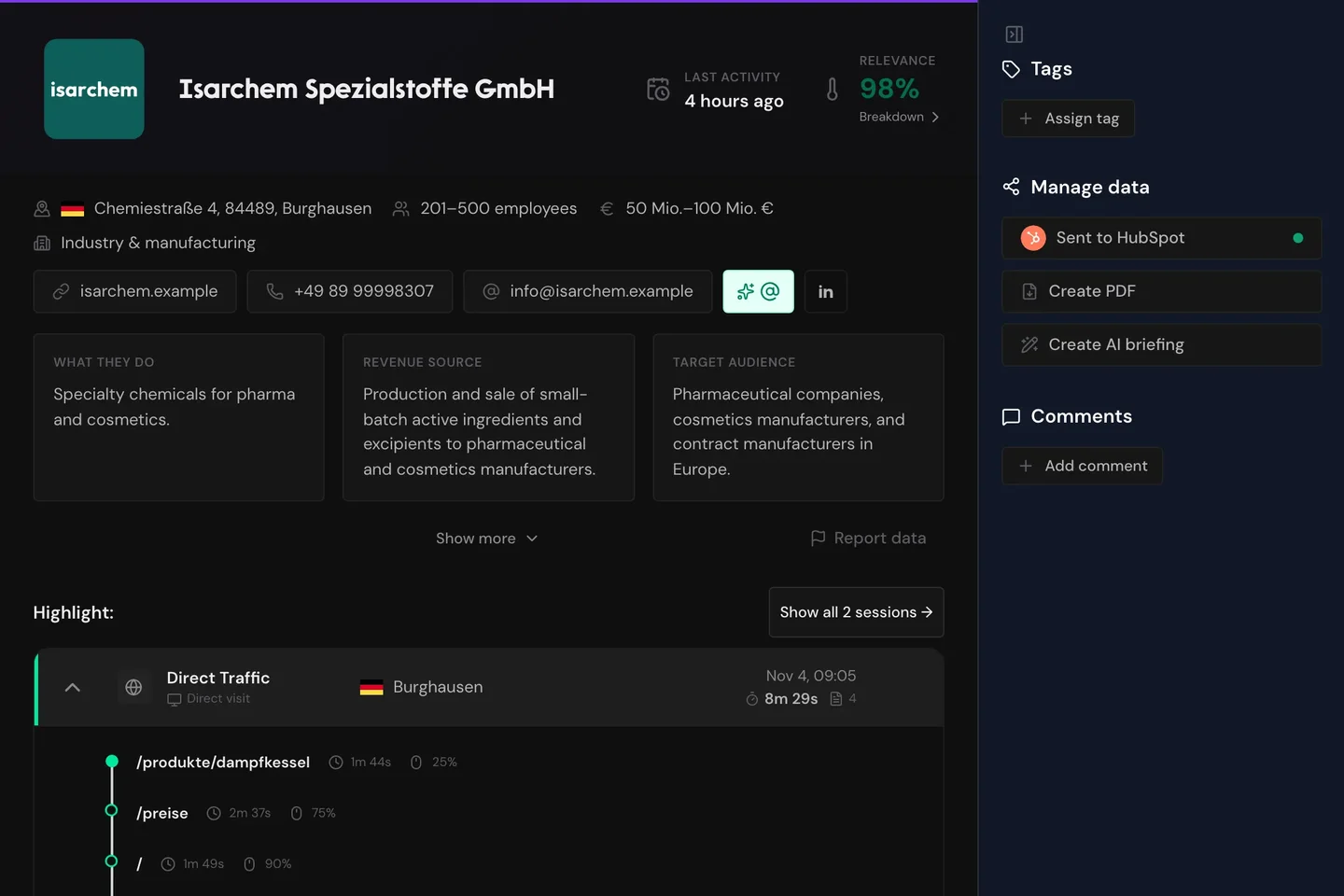
Webmetic gets every company ready for sales: a PDF and AI briefing, tags and comments, and one click to your CRM.
You see the first companies shortly after setup.
More than 500 marketing and sales teams work with Webmetic.




From preparation to the note after the call
Manage data
Prepare the first call with profile and visits
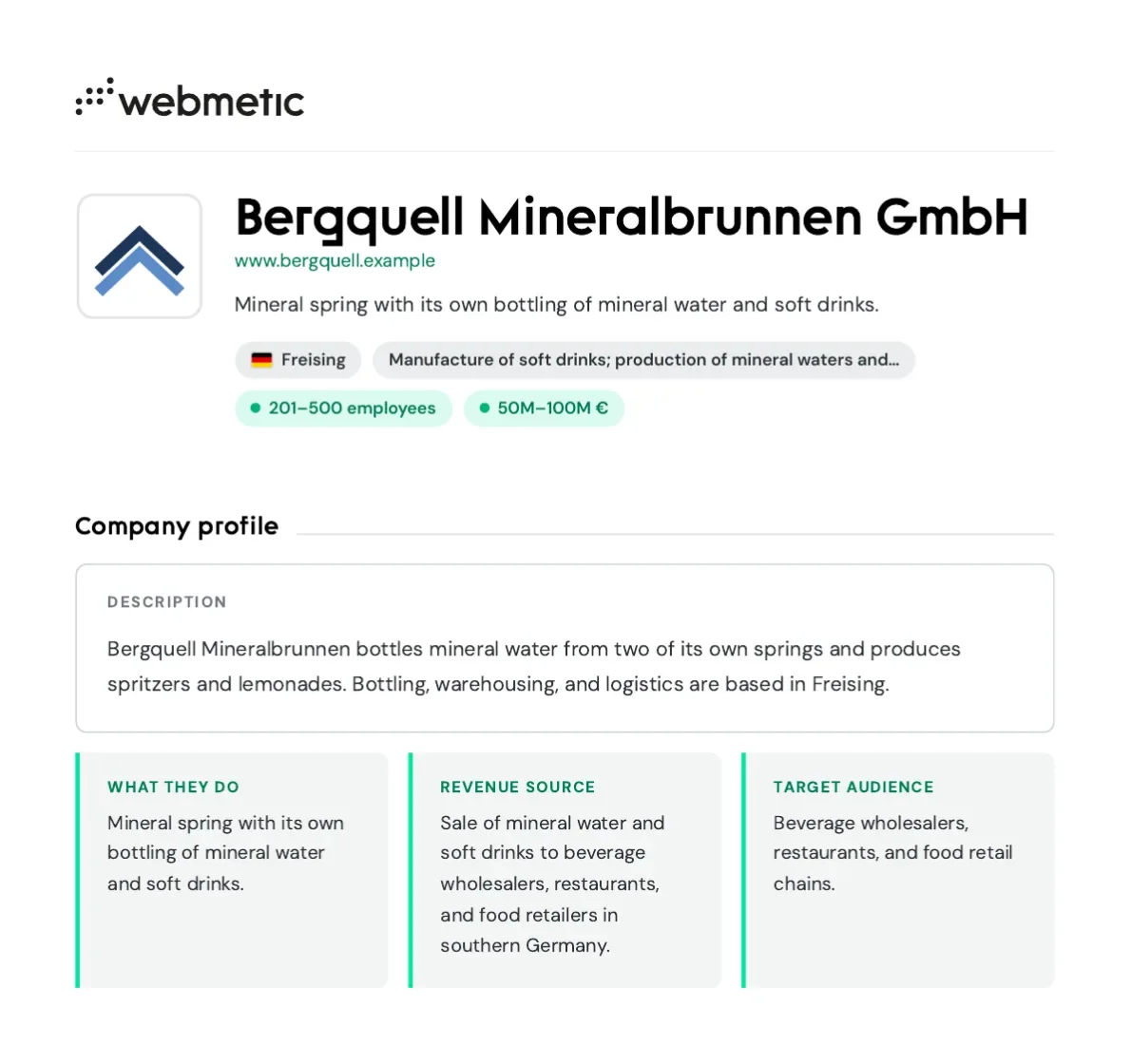
Create PDF sums up the company on a few pages: description, register details, industries and the last 50 visits. The AI briefing holds the same data as a text file for the AI assistant of your choice. Colleagues who do not use Webmetic know the company before the call.
- Description, register details and industry codes
- The last 50 visits with pages and duration
- AI briefing as a text file, written without AI
CRM
Hand selected companies over to your CRM
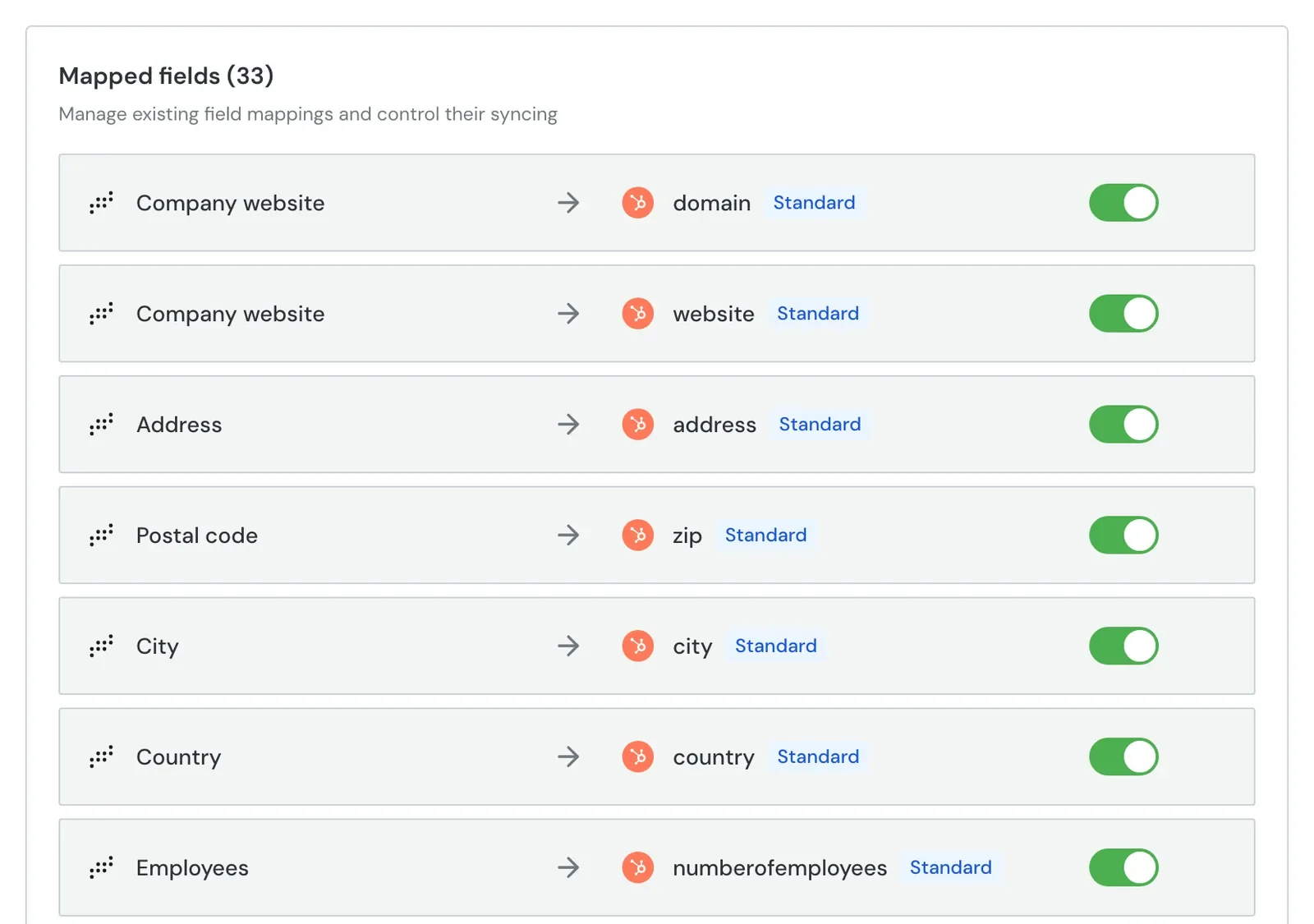
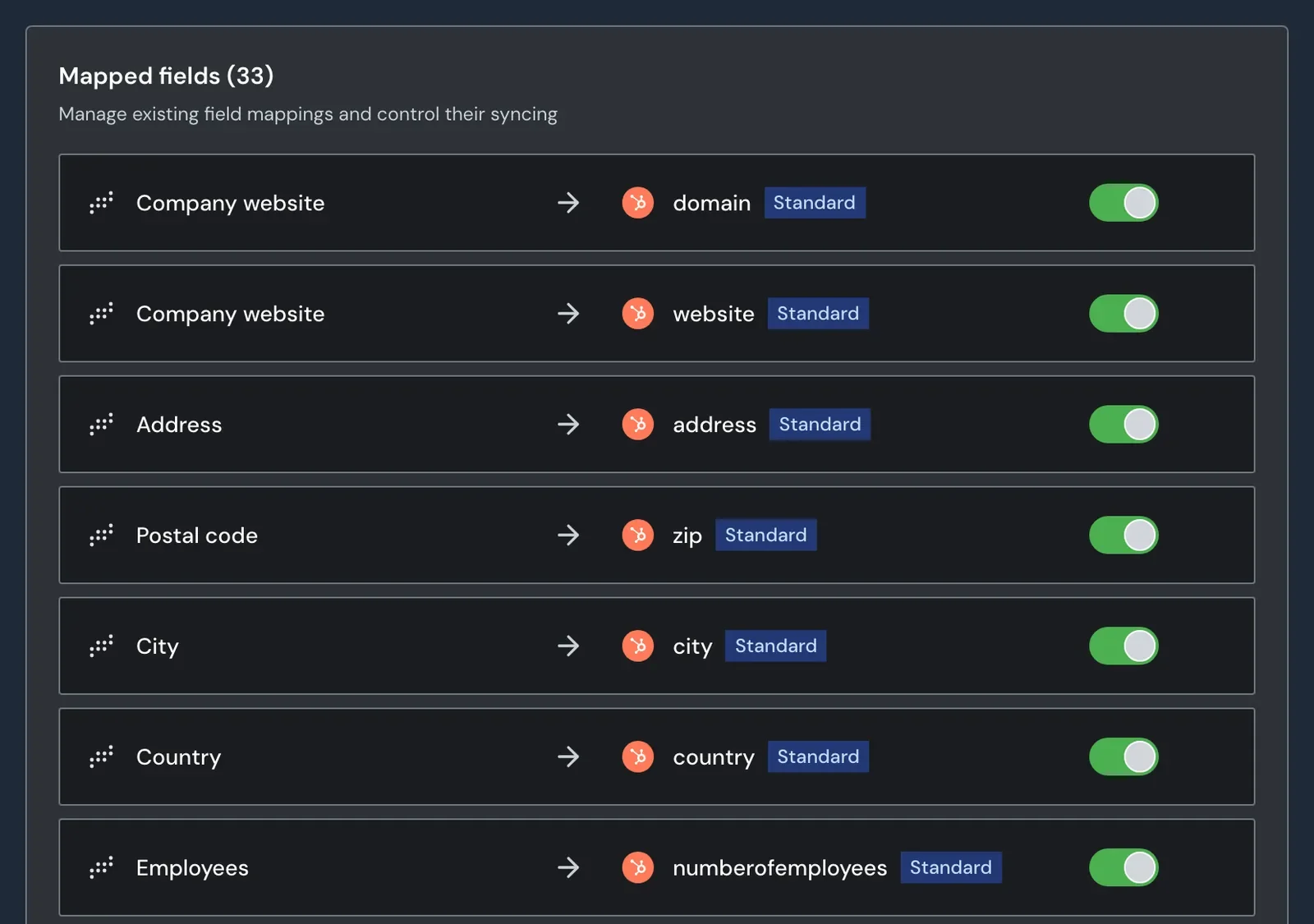
One click in the profile sends the company to HubSpot, Lexware Office or Samdock. HubSpot receives the fields your admin mapped, plus every visit as a note. Webmetic adds new visits and current values about once a day.
- Sending open to every user, no admin rights needed
- Existing companies matched by domain
- No credits, on every plan
“With more than 500 relevant leads every month, we can target companies with a specific need for freelancers. Our sales team now reaches customers at the perfect moment, while they are actively searching for freelancers. That has simplified our project acquisition.”


500+
relevant leads per month
Tags
Mark contacted companies for everyone to see
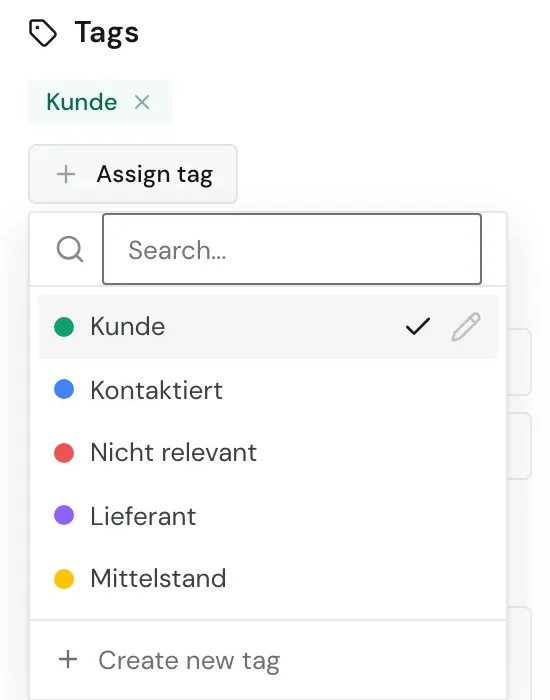
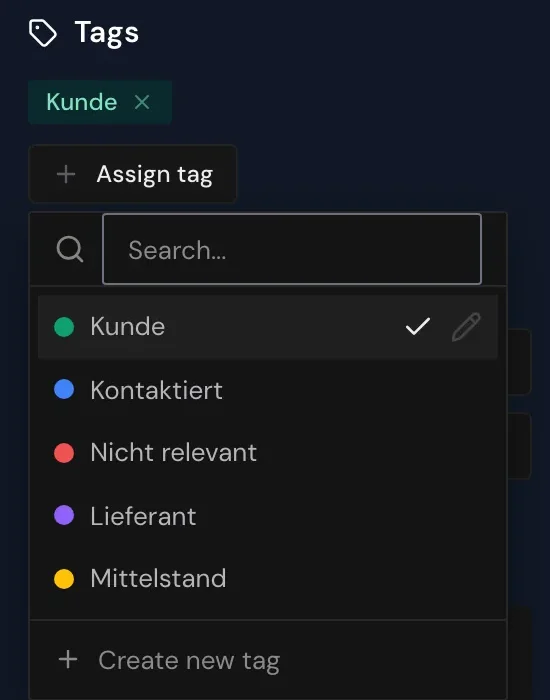
Tags such as Kontaktiert (contacted), Kunde (customer) or Nicht relevant show in the profile and on the company's card in the list. Everyone on the team sees who has already been approached. You create your own tags with a name and one of eight colors.
- Four tags ready when the trial starts
- Assigned in two clicks
- Tags as a filter in segments
Works with your CRM and your privacy rules
Integrations
One click in the profile sends the company to HubSpot, Lexware Office or Samdock.
All integrations


Data protection
Webmetic identifies companies, not people. Tags and comments stay in Webmetic.
- Cookie-free
- Servers in Germany
- Documents for your data protection officer
- Reviewed by the law firm FPS
Setup
Setup is not an IT project.
- 1Start the trialwith your website and work email
- 2Have Webmetic addedby your web team or agency
- 3Invite your sales teamwith a login for each person
Frequently asked questions
Sales Intelligence
Get your whole team on the same page today.
14 days with all features. The trial ends by itself, there is nothing to cancel.


Comments
Keep call notes on the company profile
Comments sit in the company profile, newest first, with name and time. Every user in your account reads them, and only the author can edit them. The company's card in the list already shows how many there are.
- Visible to every user in the account
- Editing limited to your own comments
- Comment count on the company card
Comments in the documentation