

Unlock contact details
Unlock the email address or the phone numbers of a contact so you can reach them directly.
You unlock contact details one person at a time in the company profile. At the end you'll have:
- the business email address of a person and their LinkedIn profile if there is one, or their phone numbers
- contact details that you and your team can open again at any time without new costs
Before you start
- Time: An unlock takes a few seconds.
- Account: Contacts are set up for your account, and you have searched for contacts at the company. Set up contacts and Search for contacts show how.
- Access: You work in the profile of a company that Webmetic identified on your website. Contacts aren't available for other companies.
- Rights: Every user of your account can unlock contact details, even without admin rights.
- Plan: Contacts are part of every plan, including the Free plan and the trial. On the Free plan, you use contacts only at companies whose names you see. More under Free plan.
Unlocking an email address or a phone number costs credits. The search is free. If a partner bills your account, ask that partner about credits.
Unlock an email address
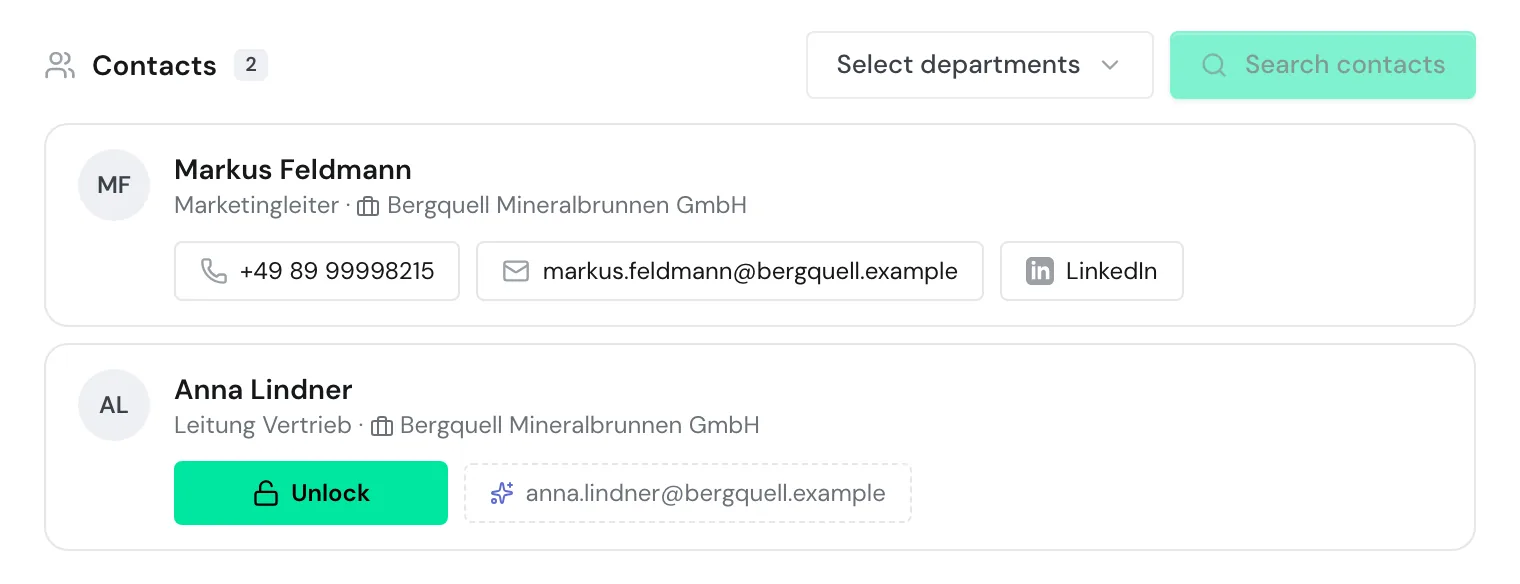
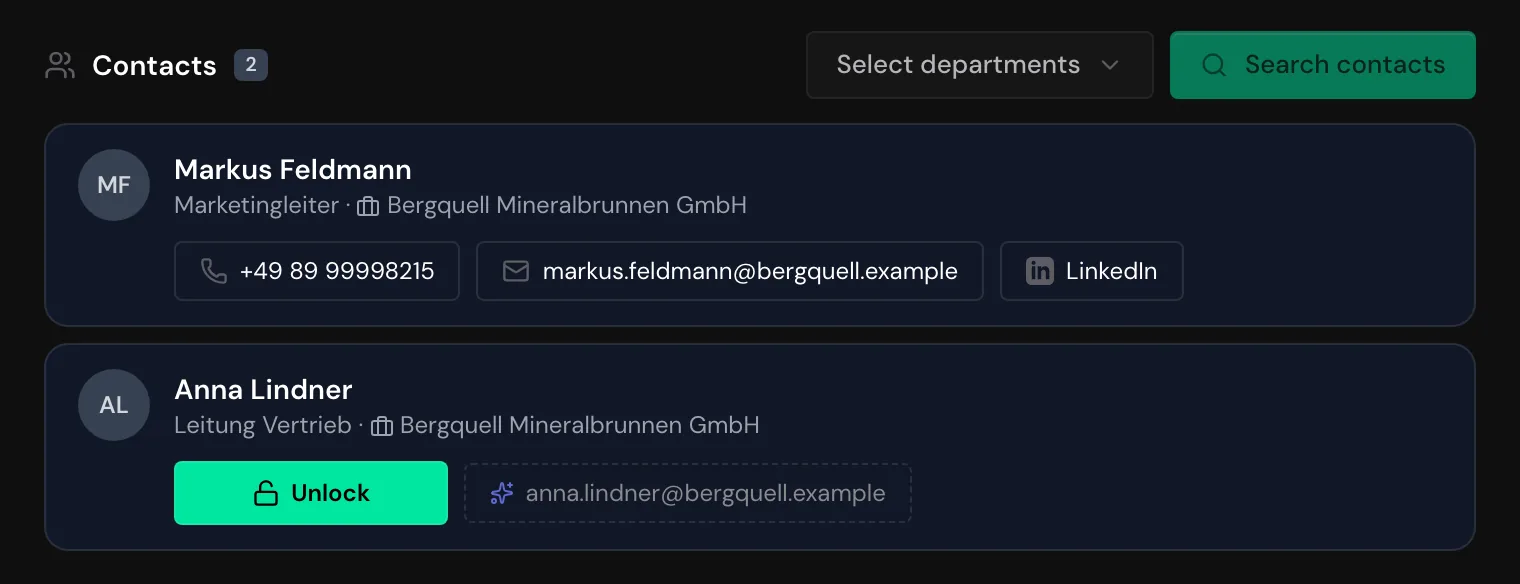
Each person appears in the list with their name, job title, and company. Next to them, Webmetic shows a button for each type of data it has on file for that person. With the email address, you also get the person's LinkedIn profile if it is on file.
Costs credits
The button shows how many credits an unlock costs. Webmetic charges the credits only when it delivers the data. You can't undo an unlock.
On a smartphone or a tablet in portrait mode, you find contacts in the Contacts tab and tap the buttons directly instead of hovering.
- Open the company's profile. The Contacts section sits below the visits.
- Hover over the Email button next to the person. The button now reads Unlock.
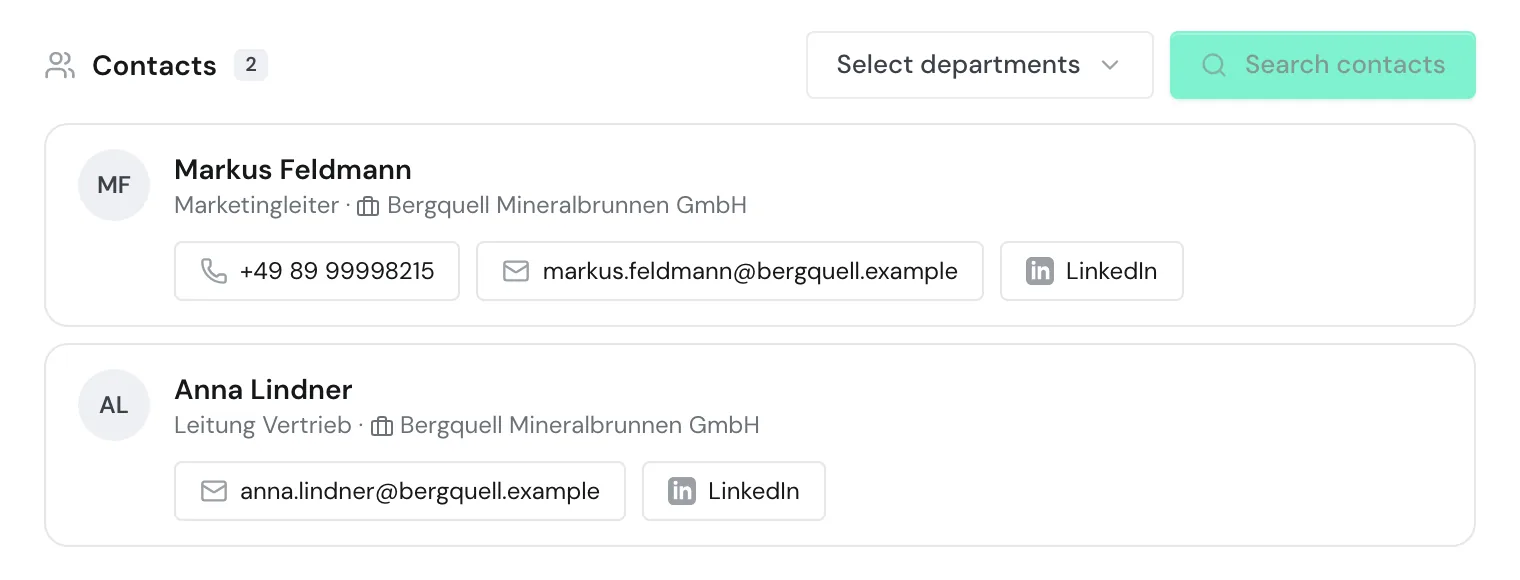
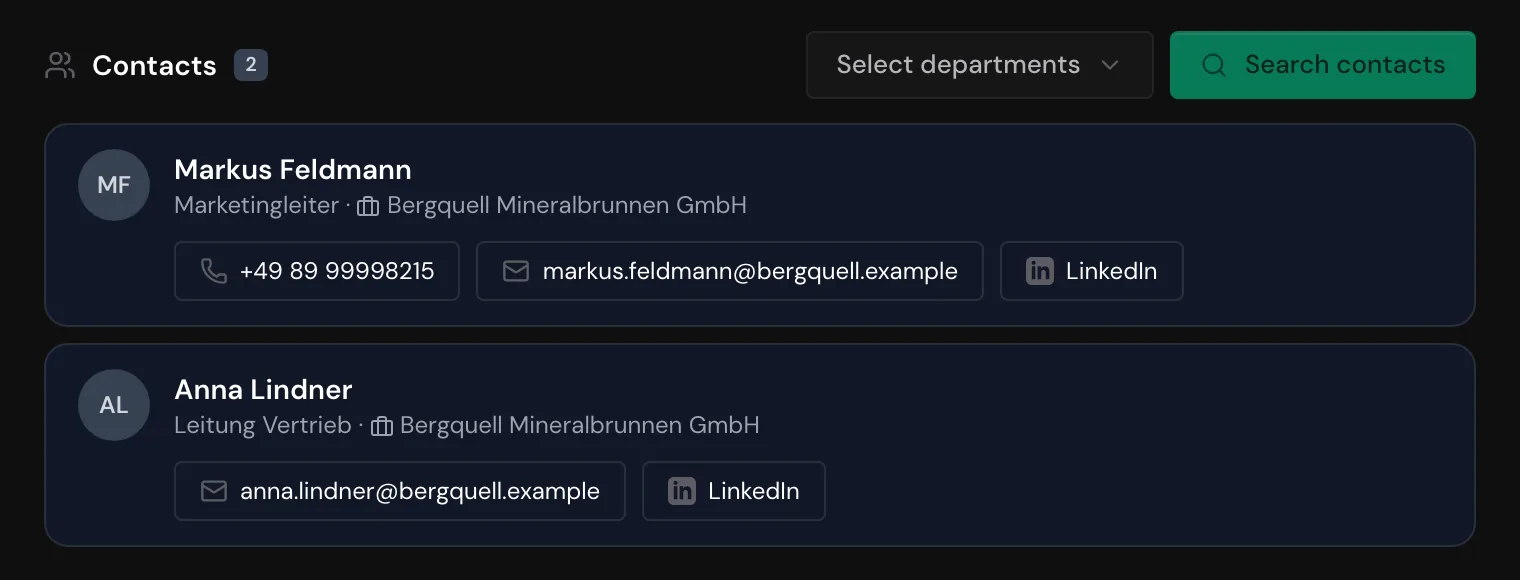
- Click Unlock. After a few seconds, the email address appears, along with the LinkedIn link if Webmetic has one on file.
Clicking the address opens a new email in your email program. The LinkedIn link opens the person's profile in a new tab.
If Webmetic knows the company's email pattern, it shows an address with a dashed border before you unlock, with the tooltip Generated email (based on company pattern). Webmetic builds this address from the person's name and the pattern. The generated address costs nothing, but it's only a suggestion that Webmetic doesn't check before it shows it.
Unlock phone numbers
With the phone numbers, you get the person's direct dial or mobile number, whichever is on file. Phone numbers cost more credits than an email address. On a smartphone or a tablet in portrait mode, you tap the button directly here too.
- Hover over the Phone button next to the person. The button now reads Unlock.
- Click Unlock. The phone numbers appear, and clicking one starts the call in your phone app.
You unlock email and phone separately, so if you need both, click both buttons one after the other.
Keep track of costs
If Webmetic finds no email address or no phone number for the person, the unlock costs nothing.
These things don't use credits:
- the search for contacts
- the saved list when you open a company again
- the generated email address
- data your account has already unlocked, also for every other user of your account
Another Webmetic account pays its own credits for the same person and doesn't see your unlocks.
Top up missing credits
If you don't have enough credits, clicking Unlock opens the Credits window. The window shows Available credits and, below that, the purchase options under Top up credits.
Every user of your account can buy credits. The invoice appears under Menu > Billing. Only admins see this menu item. The Credits page explains where credits come from and how to top them up.
Find unlocked data
Unlocked data stays with the person in the Contacts section. If your account already searched this company with your profile's settings, Webmetic shows the saved list for your Contact profile when you open the company again. The people on this list show the data your account has unlocked. Unlocking a person your account has already unlocked costs nothing.
The same data is available without new costs through the API and the AI assistant, as long as the same Webmetic account asks for it. In n8n, a person your account has already unlocked costs nothing either.
Unlocked contact details are not part of the export, CRM transfers, the PDF, or the AI briefing. If you need an address in your CRM, copy it from the profile.