

Enrichment
Enrichment adds data such as industry, employee count, revenue, and phone number to your own company lists.
You give Webmetic a list of domains, for example from conversations at your trade show booth or from a CRM export. Webmetic looks up the company behind each domain and fills its data into a table. Then you download the finished list as a CSV file and import it into your CRM.
Start with Create a list and add companies.
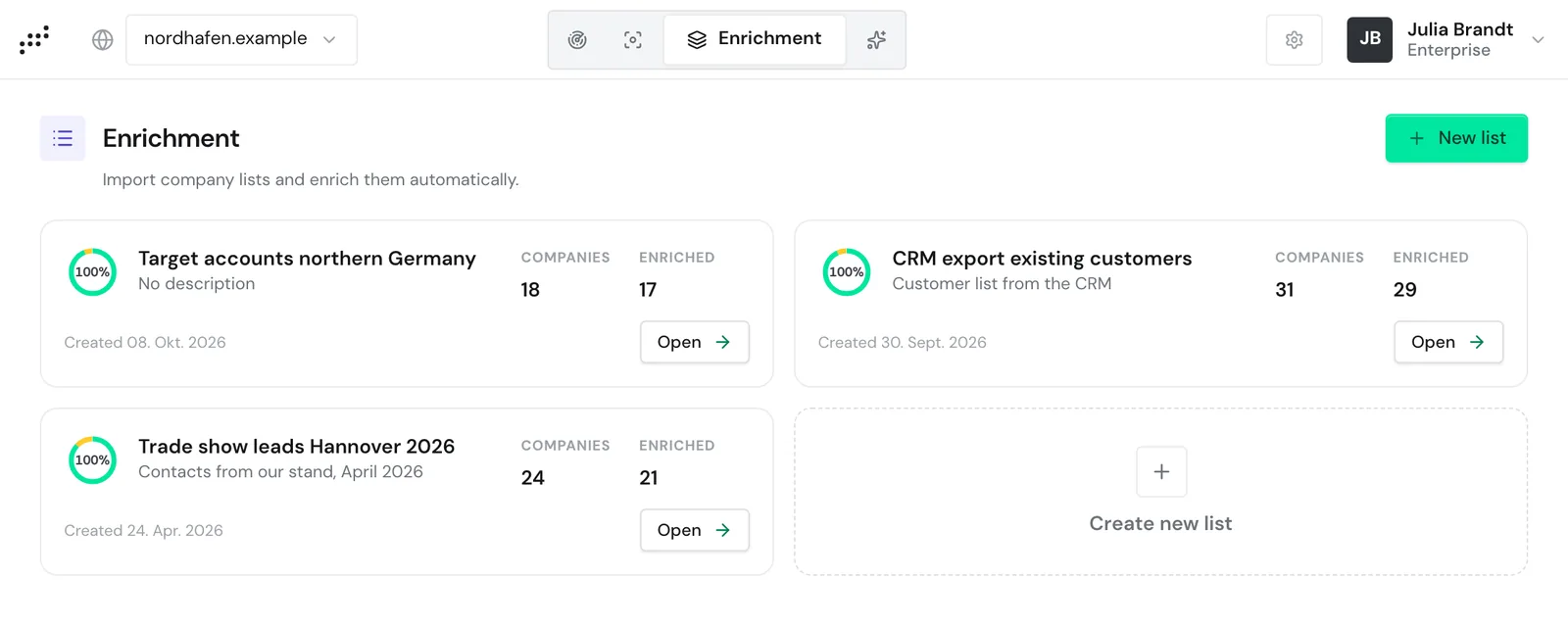
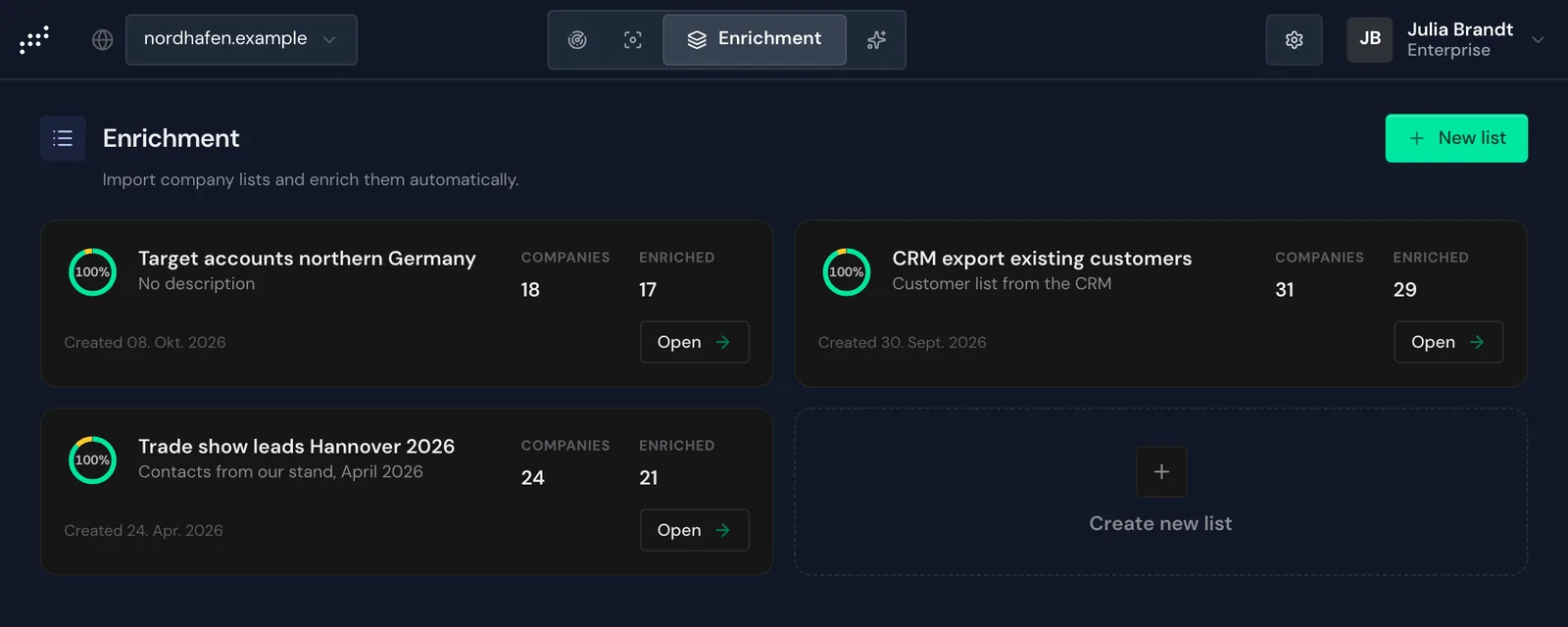
Open Enrichment
Click the Enrichment tab at the top. It sits in the top bar, not in the Menu.
In a narrower window the tab shows only its icon. When you point at it, its name appears.
On a smartphone, choose Enrichment in the dropdown at the top.
The page shows all lists in your account as cards, each with the number of companies and how many of them are enriched. Click New list to add another list.
What Enrichment delivers
Enrichment works with domains, not with company names. Webmetic shortens every entry to the main domain and removes the protocol, www., subdomains, and paths. For example, https://shop.nordhafen.example/kontakt becomes nordhafen.example.
So enter the domain of the company's own website, not that of an email provider or a shop platform.
The table shows Industry, Employees, Revenue, Location, Country, Phone, and Email, among others. Under Columns you can show more fields, for example Directors, VAT ID, and LinkedIn.
Webmetic enriches the list in the background, so you can close the page. Companies Webmetic already knows appear after a few seconds. If Webmetic first has to read the website, it can take hours to a few days.
Every row ends with the status Enriched or Not found. An Enriched row can still have empty fields if Webmetic does not know a value.
Webmetic enriches each row once. After that, Webmetic does not update the data, and a new run isn't possible.
Enrichment lists are separate from Visitor Intelligence, so the companies do not appear in the company list. You transfer the data to your CRM with the CSV file.
Who can use Enrichment
Enrichment is included in the trial, the Growth plan, and Enterprise. On Starter and Free you can still open, edit, and export existing lists. For new lists and imports, you need Growth.
If a partner manages your account, the partner decides whether the tab appears.
Enrichment costs no credits until January 31, 2027. For details, see Credits.
Every user of your account can create, edit, export, and delete lists. You don't need admin rights for this.
Lists belong to the account, not to a website. Your whole team sees the same lists, whichever website is currently selected at the top.
Enrichment through the API
Lists you create through the API appear in the dashboard, and you can read lists from the dashboard through the API.
The API needs its own key for Enrichment, separate from the key for Visitor Intelligence. Admins find it under Menu > Integrations > API in the Enrichment section, because only admins see Integrations in the menu.
You create the key with the Generate key button. As with new lists, you need Growth for this. For details, see API.