

Contacts
Contacts are people at a company that visited your website, with contact details you can unlock.
Contacts are people who work at a company Webmetic identified on your website. For example, if a beverage maker reads your pricing page three times, you search that company for the head of marketing or sales. Webmetic identifies companies, not people. Contacts therefore come from the contact search, not from the tracking.
Start with Set up contacts.
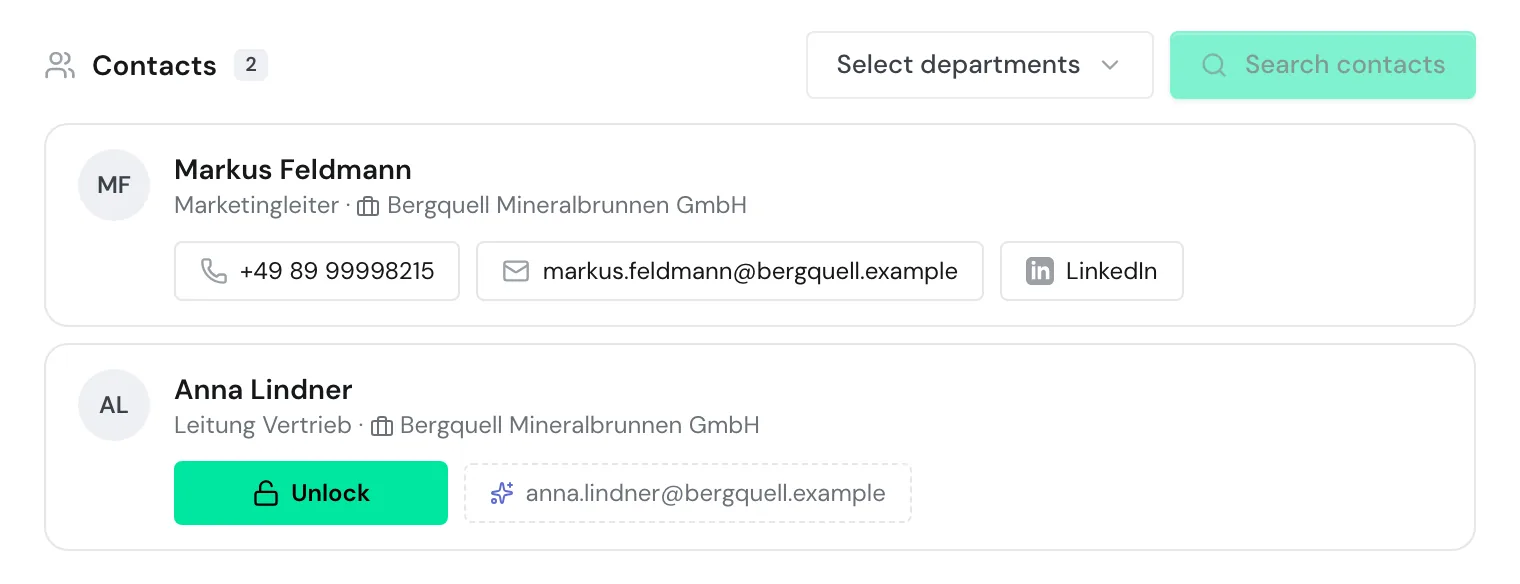
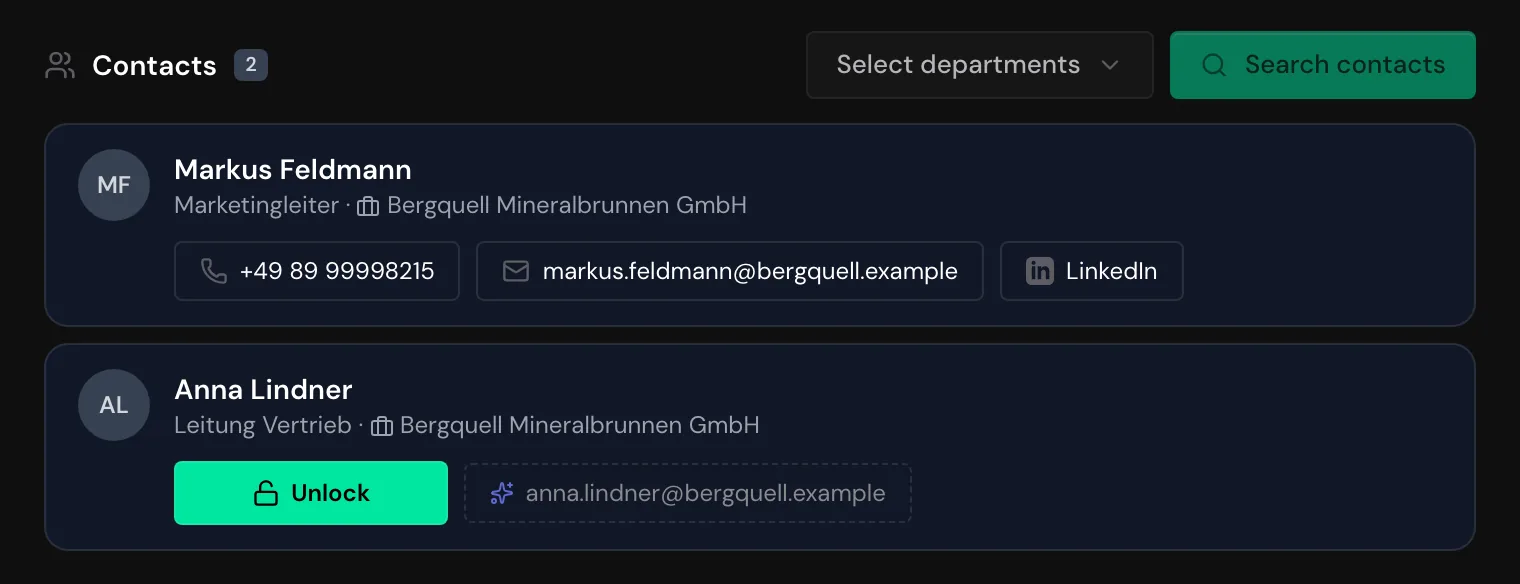
Where contacts appear
You find contacts in three places:
- In the company profile: the Contacts section sits below the visits. On a phone or a tablet in portrait mode, you open the Contacts tab.
- Through the API and the AI assistant: you search for people as in the dashboard and unlock contact details with the same credits. Unlocked details show there too.
- In n8n: a single step finds the first matching person and unlocks their contact details at once. This costs credits unless your account already unlocked that person.
Webmetic doesn't offer a search for arbitrary names or domains. Contacts are not part of the export, CRM transfers, the PDF, or the AI briefing.
What is free and what costs credits
Setup and search are free. A search shows up to 25 people with name and position and tells you for each person whether an email address or phone number is on file.
If Webmetic knows the company's email pattern, it suggests an address for each person. This generated address is free, but Webmetic doesn't check it.
Unlocking an email address or a phone number costs credits. With the email address, you also get the LinkedIn profile if there is one. The button shows how many credits an unlock costs.
If Webmetic finds no data, you pay nothing. Once your account has unlocked something, your whole team can open it again for free.
The first setup adds a one-time welcome bonus of credits. If a partner bills your account, ask that partner about credits.
Who can use contacts
Contacts are available on every plan, including the Free plan and the trial. Every user of your account can use them, even without admin rights.
On the Free plan, you can only search companies whose names you see. More under Free plan.
Setup runs once per account, and whoever finishes it confirms the consent for all users and websites. So have the person who may sign contracts for your company finish the setup.
After that, you change departments and minimum level under Menu > Contact profile.
Find contacts
Set up contacts
Choose departments and a minimum level, and confirm the consent for your account.
Search for contacts
Search a company's people by department and read the result list.