

Segments
A segment saves conditions and a date range for your company list, so key companies are one click away.
A segment is a saved filter for one website's company list, for example all machine builders with more than 50 employees that visited your pricing page. Webmetic checks it again every time you use it, so new matching companies appear on their own. At the start, you find the sample segment Großraum München (Greater Munich) under Select segment in the filter bar. Create a segment describes how to create your own.
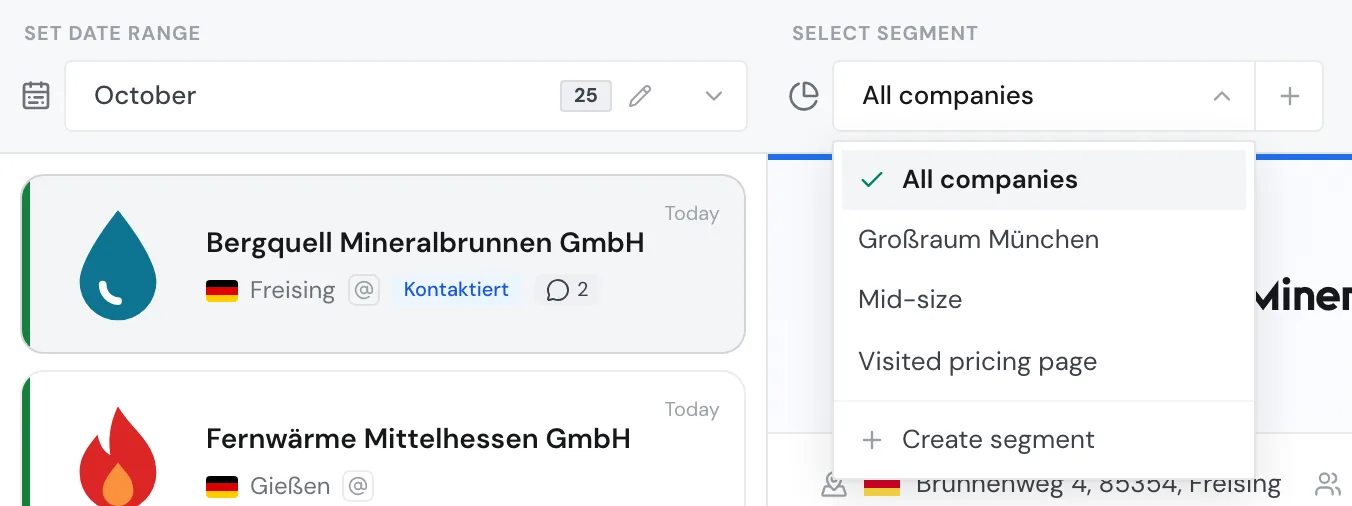
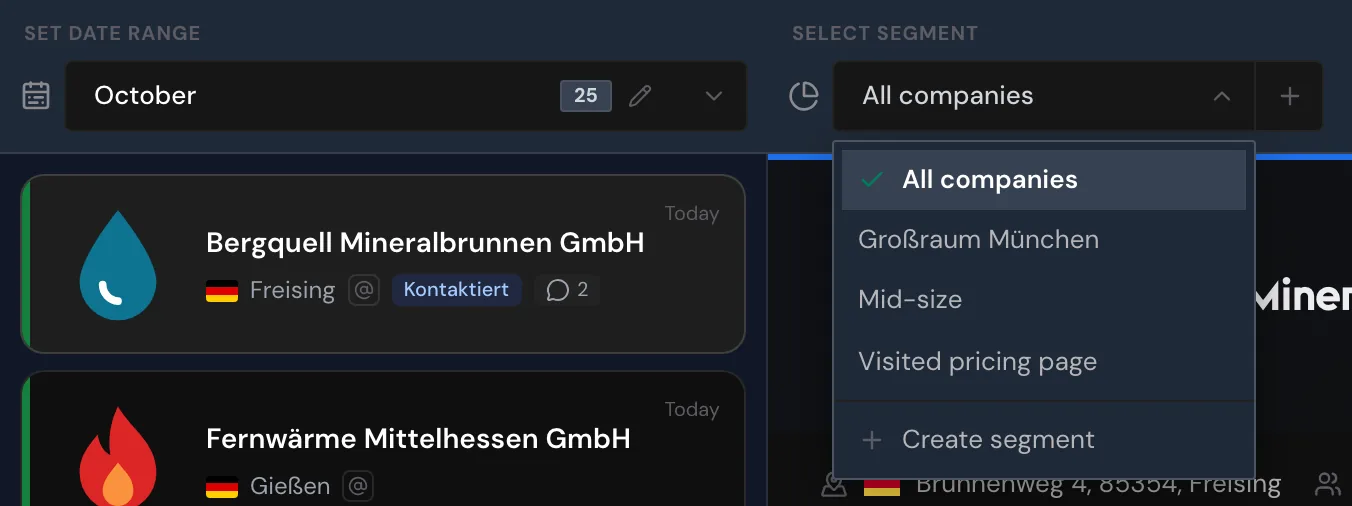
Use segments
You can use a saved segment in four places:
- In the list: when you choose the segment, the list shows only that segment's companies.
- For tags: Webmetic assigns a segment's tags to every matching company when you save, and then every 15 minutes during the day.
- By email: a notification of type Segment sends your team a list of the segment's companies on a schedule.
- In the export: the exported file contains only the companies of the active segment.
Who can use segments
Segments are available on every plan, including the Free plan and the trial, and cost no credits. You don't need admin rights for them. All users of your account see the same segments and can change them.
A segment belongs to the website you create it on and always shows that website's companies. To create and edit segments, you need a window at least 1,024 pixels wide. On smaller screens, you can only choose a segment.
Create and maintain segments
Create a segment
Set conditions, OR groups, a date range, and automatic tags, then save the segment.
Manage segments
Choose, edit, copy, and delete segments.
Filter reference
Look up which fields and operators the segment builder offers.