

Evalanche
Connect Evalanche so Webmetic writes company data and visits into the existing profiles of your pool.
Webmetic writes into profiles that already exist in your Evalanche pool. At the end you'll have:
- Evalanche profiles that hold a company's data, visits, activity, and segments after each new visit of that company
- optional tags in Webmetic that show which companies have a profile in Evalanche and which don't
- a log in Webmetic that shows every transfer and its result
Before you start
- Time: Connecting Evalanche in Webmetic takes a few minutes. Plan more time for the 52 fields with the prefix
WM_in Evalanche. - Account: You need a Webmetic account with the tracking code running on your website. Webmetic only transfers a company to Evalanche after that company makes a new visit.
- Access: You need credentials for the Evalanche API with a username and password, plus the Mandator ID and the Pool ID. In Evalanche, the Mandator ID is the ID of your mandator, which you find as the internal ID in the mandator's account settings. Evalanche shows the Pool ID as the pool's object ID. The API access needs the system right Webservices 2.0, the right Show pool, and the profile rights View profile list and Export profiles. Evalanche recommends a separate global user for this that nobody uses to sign in to the interface.
- Rights: Only admins see the Integrations menu item. If a partner runs your account under its own name, this integration isn't available yet.
- Plan: Integrations are available on every plan, including the Free plan. On the Free plan, Webmetic only transfers the companies you see by name. For details, see Free plan.
- Cost: The integration costs no credits.
1. Create the fields in Evalanche
Webmetic doesn't create fields in Evalanche and only writes into fields that already exist in your pool, so you create them first.
- Create all 52 fields with the prefix
WM_from the Evalanche fields list in your pool. Use the names exactly as they appear in the list, without extra spaces. - Create the field
WM_Webmetic Segmenteas a Multiple selection field without options. Webmetic adds the options itself as soon as it transfers segment names. - Check whether your pool has the field
EMAIL. If it doesn't, create it as well.
The field External ID (EXTERNAL_ID) exists in every pool. What counts for Webmetic is the technical name Evalanche builds from the field name, for example WMCOOKIESAKTIVIERT for WM_Cookies aktiviert. If you leave out WM_Webmetic Segmente, your profiles get no segment names.
2. Connect Evalanche
- Click Menu > Integrations > Evalanche. Webmetic shows what it sends to Evalanche and when it sends it.
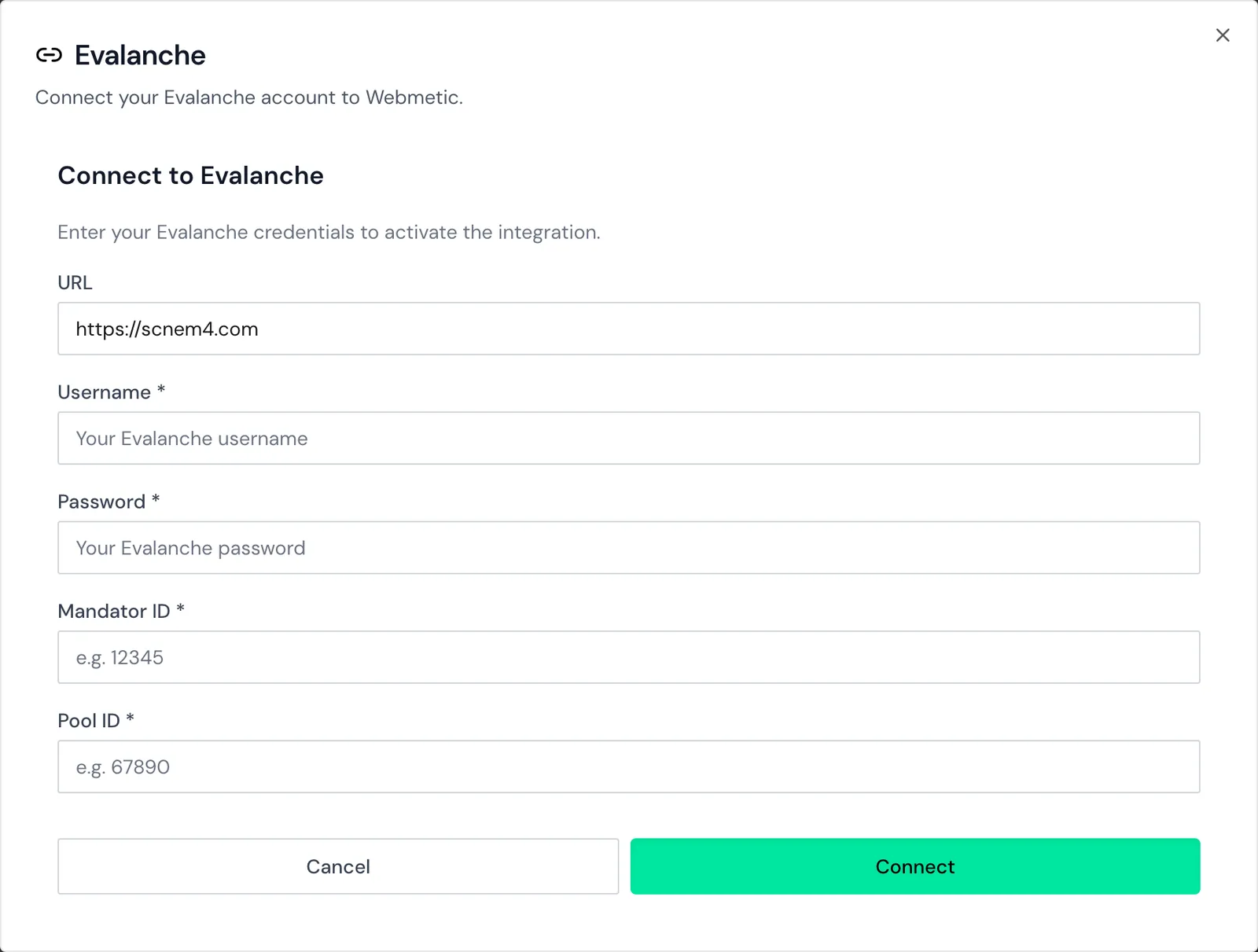
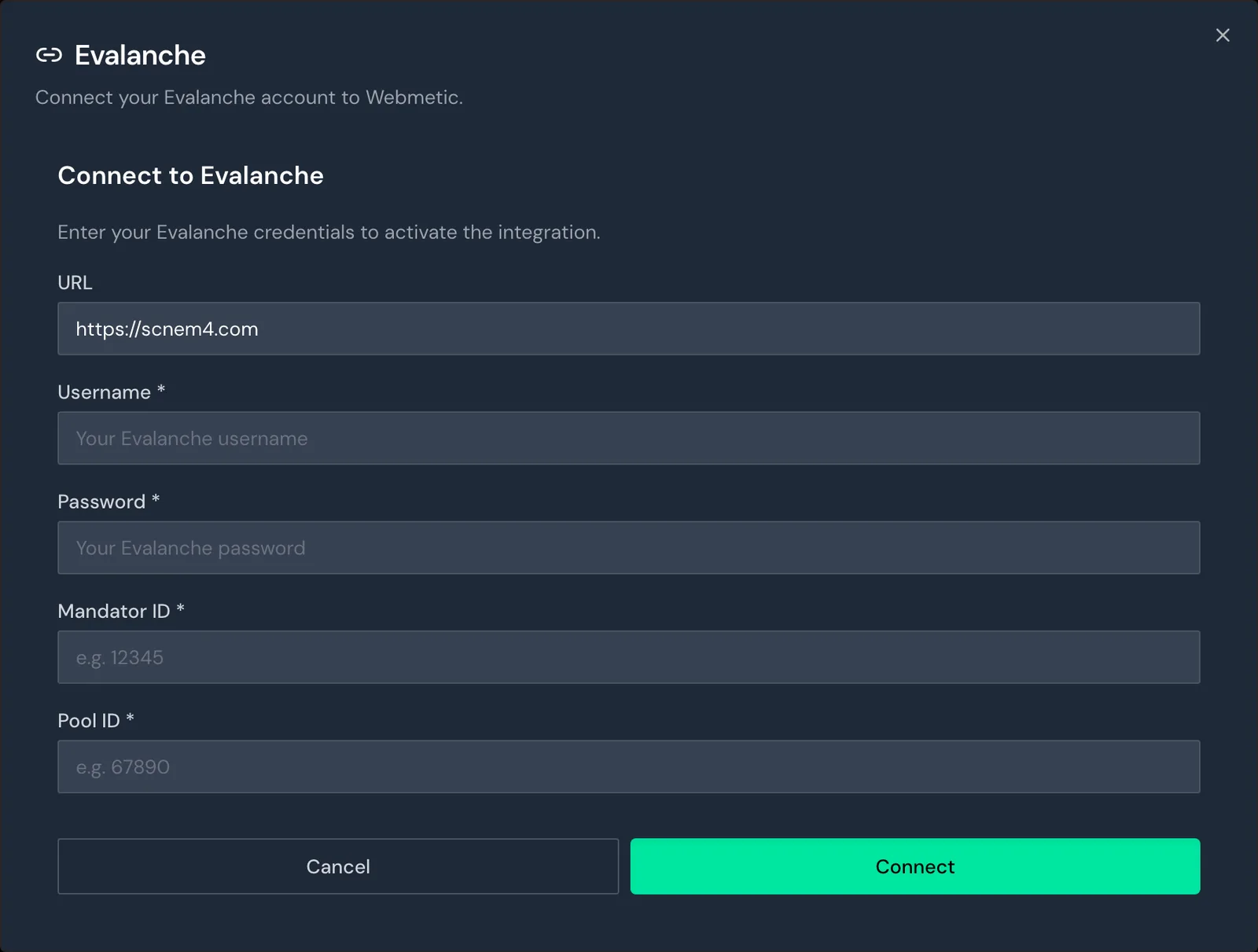
- Click Connect to Evalanche. The form for your Evalanche credentials opens.
- Check the default address
https://scnem4.comin the URL field. If you sign in to Evalanche at a different address, enter that address. - Enter the credentials of your API access under Username and Password.
- Enter the Mandator ID and the Pool ID of your pool.
- Click Connect. Webmetic signs in to Evalanche and reads the fields of your pool.
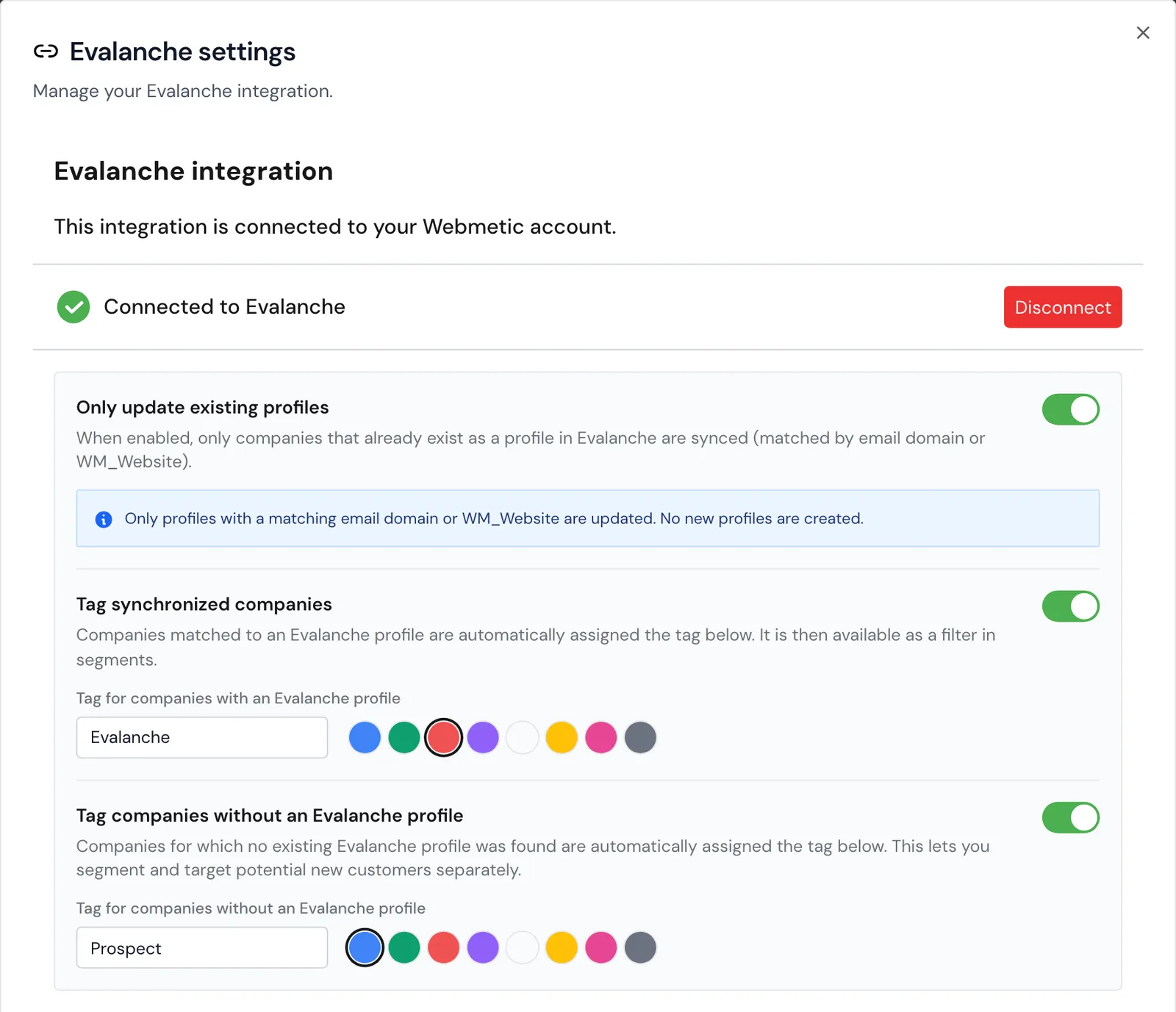
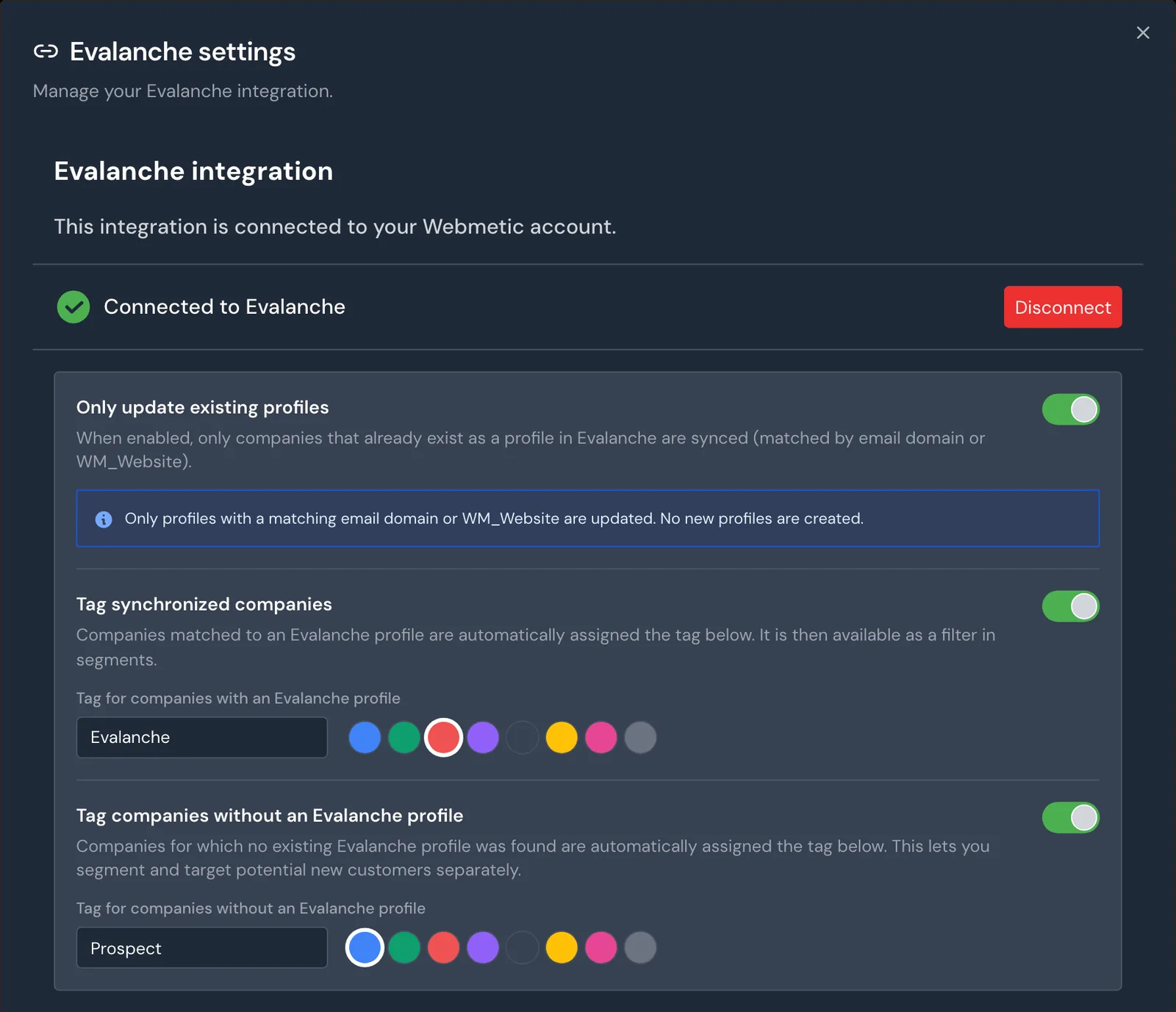
If the sign-in works, the window switches to Evalanche settings and shows the status Connected to Evalanche.
3. Turn on the transfer
As long as you leave the Only update existing profiles switch off, Webmetic sends nothing to Evalanche.
- In the Evalanche settings window, turn on Only update existing profiles. Webmetic saves the setting at once, without a save button.
- Optional: Turn on the Tag synchronized companies option. Every company that Webmetic writes or has written into at least one profile then gets the tag "Evalanche".
- Optional: Turn on the Tag companies without an Evalanche profile option. Companies without a matching profile then get the tag "Prospect".
You can change the name and color of each tag right in this window. If a company gets a profile later, Webmetic swaps one tag for the other.
You use both tags like any other tag, for example as a filter in a segment. You don't need the greyed-out Automatic sync switch for the setup.
What is sent
Webmetic transfers companies, not people, and writes this data into your profiles:
- Company data: name, address, phone, email, managing directors, descriptions, NACE codes, employees, and revenue.
- Visits: the visit history, the page views, the last visit with its UTM values, and the last page viewed.
- Activity: the activity from 0 to 100 in the field
WM_lead_score. - Segments: the names of the segments the company belongs to at the time of the transfer. For details, see Segments in other tools.
Webmetic only writes company data into fields that are still empty in your pool. It overwrites visits, activity, and segments every time it transfers a company. You'll find every field with its type and rule in Evalanche fields.
Matching profiles
On every transfer, Webmetic searches your pool for matching profiles again. Webmetic uses every profile in your pool that meets one of these rules:
- In the field
WM_Website, Webmetic recognizes the usual spellings of the domain: with or withoutwww., with or withouthttps://and a trailing slash, for examplebergquell.exampleorhttps://www.bergquell.example/. Write the domain in lowercase. - The email address belongs to the website's domain, for example
purchasing@bergquell.example. Upper and lower case don't matter here.
Webmetic doesn't match on the domains of email providers such as gmail.com or web.de.
Every matching profile gets the same values from Webmetic. If you have three contacts from Bergquell Mineralbrunnen in your pool, all three profiles contain the company's data. If Webmetic finds no matching profile, it skips the company and doesn't create a new profile.
Webmetic writes its company ID into the field External ID (EXTERNAL_ID), but only if the field is empty. If you already use the field, Webmetic never overwrites your value.
Webmetic overwrites visit fields in every matching profile
Webmetic replaces visits, activity, and segments in every matching profile on every transfer. Don't enter your own values in these fields. Webmetic never deletes a profile in your pool.
When Webmetic sends
Every 15 minutes, Webmetic transfers the companies that have made a new visit to your website, for all websites in your account. The log, however, only shows the runs of your account's first website.
If a company visited before you connected Evalanche, you'll only see its data in Evalanche after its next visit. Without a new visit, the values in the profile stay as they are.
This also applies to segments: if a company joins or leaves a segment without a visit, WM_Webmetic Segmente only changes at its next visit.
You won't find a send button for Evalanche in the company profile, because Webmetic only transfers through the Only update existing profiles switch. Webmetic doesn't import any data from your Evalanche pool.
Check the transfer
- Click Menu > Integrations > Evalanche.
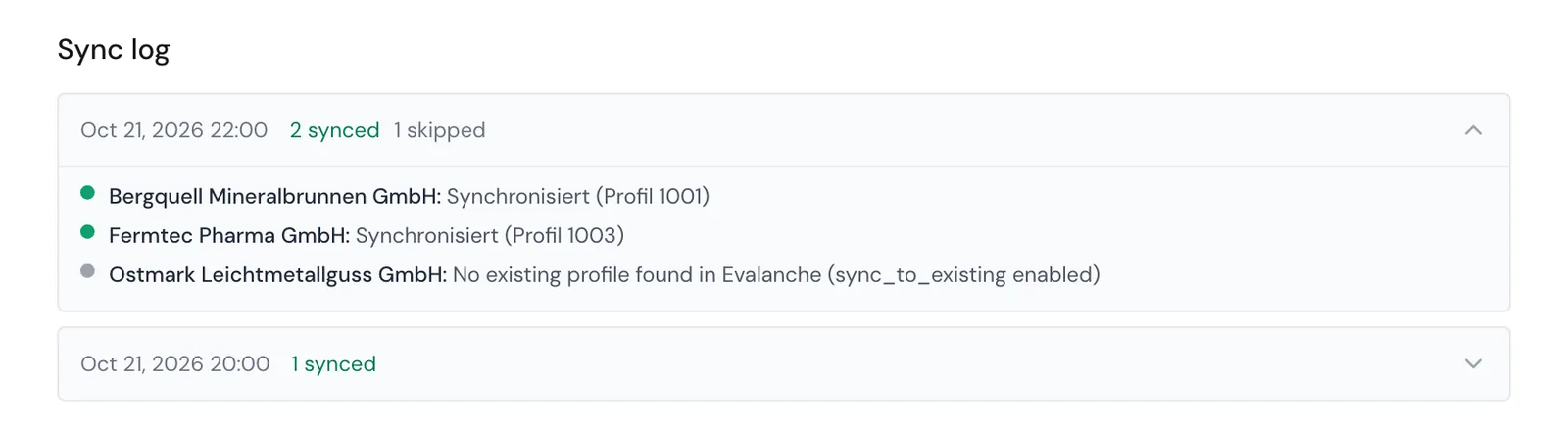
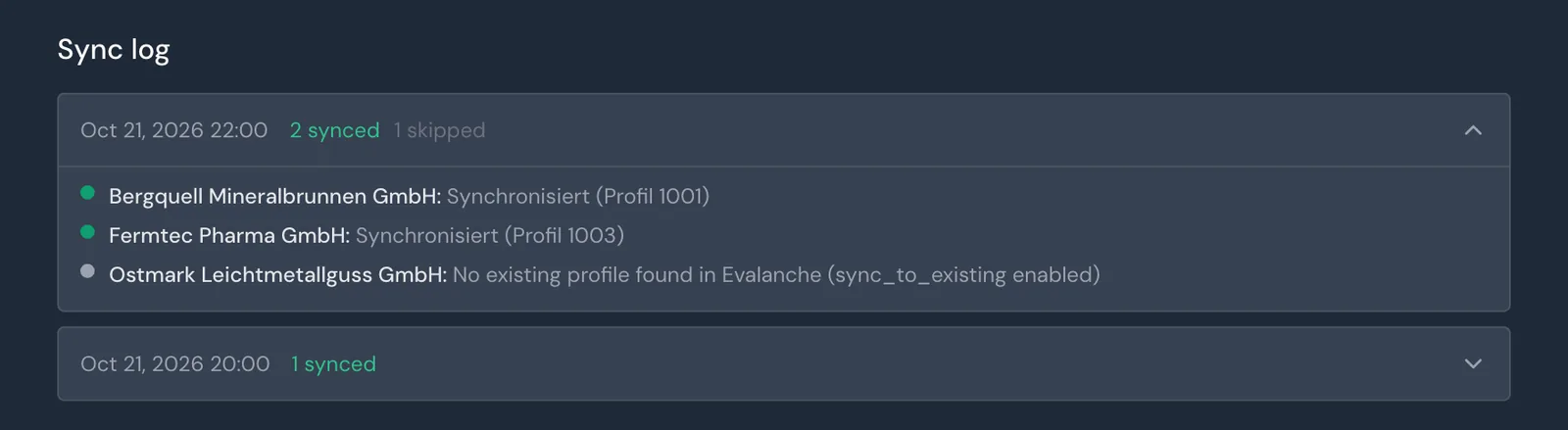
- Scroll down to the Sync log in the same window. Each entry shows how many companies were synced, failed, or skipped.
- Click an entry. Webmetic shows each company with its result and, if it worked, the number of one matching profile.
- Open this profile in Evalanche and check the fields with the prefix
WM_.
You see the last 50 runs in which companies visited. Before the first run, you see the note No syncs recorded yet.
Disconnect
- Click Menu > Integrations > Evalanche.
- Click Disconnect. Webmetic disconnects at once and doesn't ask you to confirm.
You keep everything Webmetic has already written in Evalanche, and you keep the tags in Webmetic.
Troubleshooting
Why does nothing arrive in Evalanche?
Check these points in order:
- The Only update existing profiles switch is on.
- The company has visited your website since you turned the switch on.
- Your pool has a matching profile. Otherwise the company's entry in the log starts with "No existing profile found in Evalanche". If matching profiles are in the pool and this message still appears, the API access usually lacks the right Export profiles.
- The API access has all the rights from Before you start. If the right View profile list is missing, the log entry starts with "Error updating profile" and contains "Viewing or editing profiles is not permitted".
On the Free plan, Webmetic only transfers the companies you see by name.
Why are the segments missing from the profile?
The most common cause is that the field WM_Webmetic Segmente is missing from your pool or has a different name. Create it as a Multiple selection field without options, then wait for the company's next visit. If a company no longer belongs to any segment, Webmetic empties the field.
Why does connecting fail?
If the message starts with "Could not connect to Evalanche", Webmetic couldn't read your pool. Check these causes:
- The Username or Password is wrong.
- The Pool ID doesn't belong to a pool the API access can see.
- The API access lacks the right Show pool.
- Evalanche can't be reached at the address in the URL field.
If the message is Please fill in all required fields., a field is empty.
FAQ
Does Webmetic create new profiles?
No. Webmetic only writes into profiles that already exist in your pool. It skips companies without a matching profile.
Can I send single companies or a segment?
No. Webmetic transfers each company after its next visit, as long as the Only update existing profiles switch is on. The names of its segments then appear in WM_Webmetic Segmente.