

Campaigns and channels
Channel and campaign show which route a visit took to your website.
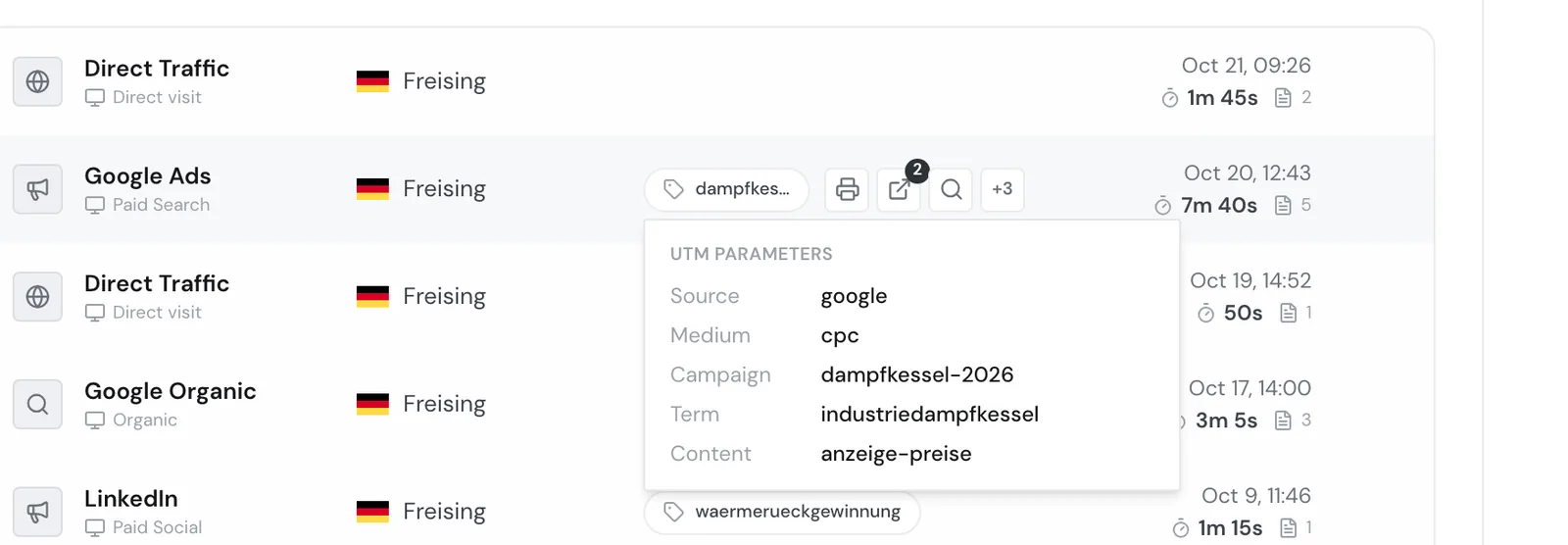
For example, someone from the purchasing team of a beverage maker clicks your Google ad for industrial steam boilers. In the profile, the visit then shows as Google Ads with the sublabel Paid Search and the campaign chip dampfkessel-2026. The visit row doesn't show the ad's cost or click numbers, only the route of the visit.
Where a visit comes from
- 1A visit arrivesSomeone opens your website through a link with UTM parameters, an ad, or another website.
- 2Find the originWebmetic reads source, medium, and campaign from the address and the referring website.
- 3The first page countsThe values of the first page view apply to the whole visit.
- 4Show the channelThe visit row shows the channel label and the campaign chip.
For each visit, Webmetic stores these values:
- Source: Where the visit comes from, for example
google,linkedin, or a website's host name. Webmetic stores the source in lower case. - Medium: The type of route, for example
cpcfor ads,organicfor search results, orreferralfor links from other websites. - Campaign: The value of
utm_campaign. Without it, a visit has no campaign. - Term: The value of
utm_termor the search word that a search engine passes on. - Content: The value of
utm_content, for example for two variants of an ad.
Campaign, term, and content keep their upper and lower case. If someone arrives through a new campaign link during a visit, a new visit starts. For details, see Visits and page views.
Order of evaluation
For each page view, Webmetic checks the clues in this order, and the first match wins:
- UTM parameters in the address, meaning
utm_sourceandutm_medium. If the medium is missing, Webmetic takes it from an ad's click ID, and without a click ID it sets(none). - An ad's click ID, for example
gclidfrom Google Ads,msclkidfrom Microsoft Ads,fbclidfrom Facebook, orli_fat_idfrom LinkedIn. Webmetic then sets the ad platform as the source andcpcas the medium. - Referring website: A search engine gives the medium
organic, a social network or an email service the matching medium. Any other website givesreferralwith its host name as the source. - No clue: The visit counts as direct, for example for a typed-in address or a bookmark.
Channels in the visit row
From source, medium, and click ID, the dashboard builds a channel label with a sublabel below it. The channel names appear in English in both languages.
| Channel | Sublabel | When it appears |
|---|---|---|
| Google Ads | Paid Search | Click ID from Google Ads, or source Google with medium cpc or paid |
| Microsoft Ads | Paid Search | Click ID from Microsoft Ads, or source Microsoft or Bing with cpc or paid |
| Facebook Ads | Paid Social | Click ID from Facebook, or source Facebook with cpc or paid |
| LinkedIn Ads | Paid Social | Click ID from LinkedIn |
| Paid Social or Social | Source LinkedIn, paid with cpc or paid | |
| ChatGPT Ads or ChatGPT | Paid AI or AI Referral | Source ChatGPT or OpenAI, paid with cpc or a medium that starts with paid |
| Taboola | Native Ads | Click ID from Taboola |
| Google Organic | The search word or Organic | Source Google with medium organic or no medium |
| Bing Organic | Organic | Search result from Bing. Other search engines such as DuckDuckGo, Yahoo, or Ecosia appear with their name and "Organic" |
| Facebook, Instagram, Twitter, YouTube, TikTok, Reddit | Social | Links from these networks |
| Newsletter | Email campaign | Medium email, or the source contains "newsletter" or "email" |
| Referral Traffic | The referring website's host name | Links from other websites |
| Direct Traffic | Direct visit | No clue about the origin |
The dashboard treats click IDs and the medium values cpc and paid as paid, and for ChatGPT also any medium that starts with paid. The channel label only appears in the visit rows. ICP Analytics, by contrast, assigns each company to the pair of source and medium that occurs most often in the period and shows it as "google CPC" or "linkedin". So the channel and its name can differ there.
Campaign chip and UTM parameters
Next to a visit row's events sits the campaign chip with a tag icon. It shows the campaign, otherwise the term or the content, and is missing for visits without these values. For visits from a search engine, the search word can appear in the chip as the term.
- Open a company's visits view.
- Point at the campaign chip with your mouse. Webmetic opens the UTM parameters tooltip.
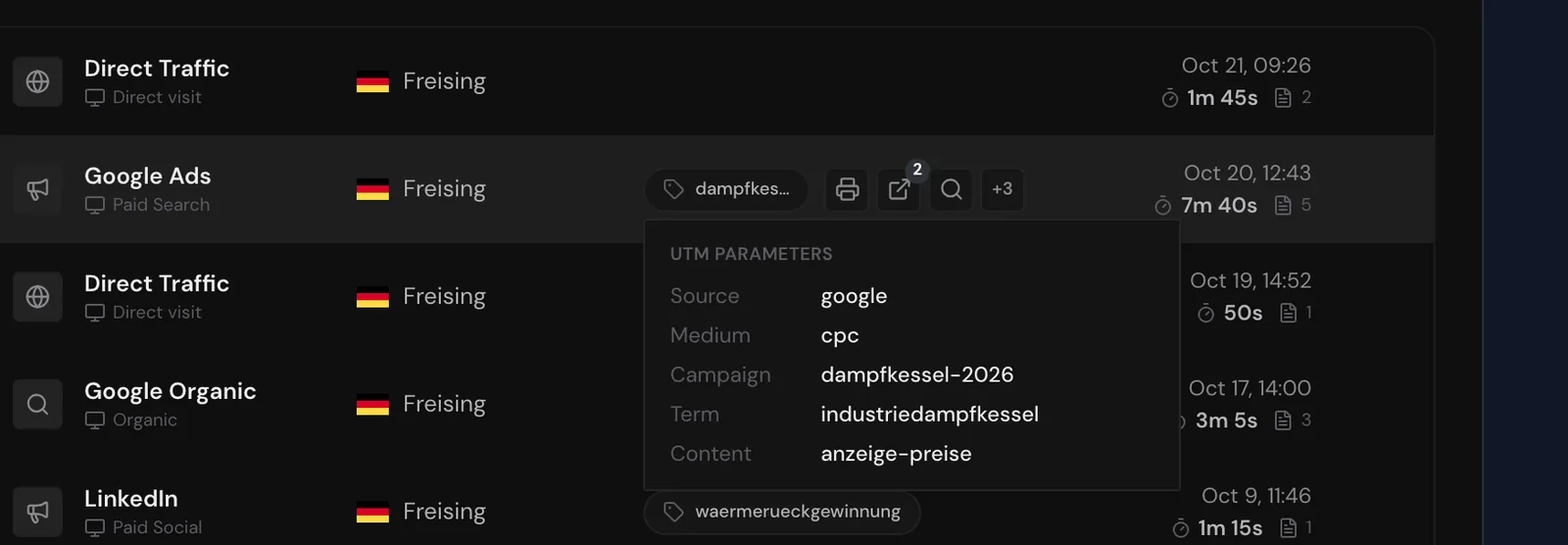
The tooltip lists every value the visit has: Source, Medium, Campaign, Term, and Content. It hides placeholders in brackets such as "(direct)" or "(none)". Webmetic shows the chip only on a large screen.
UTM search
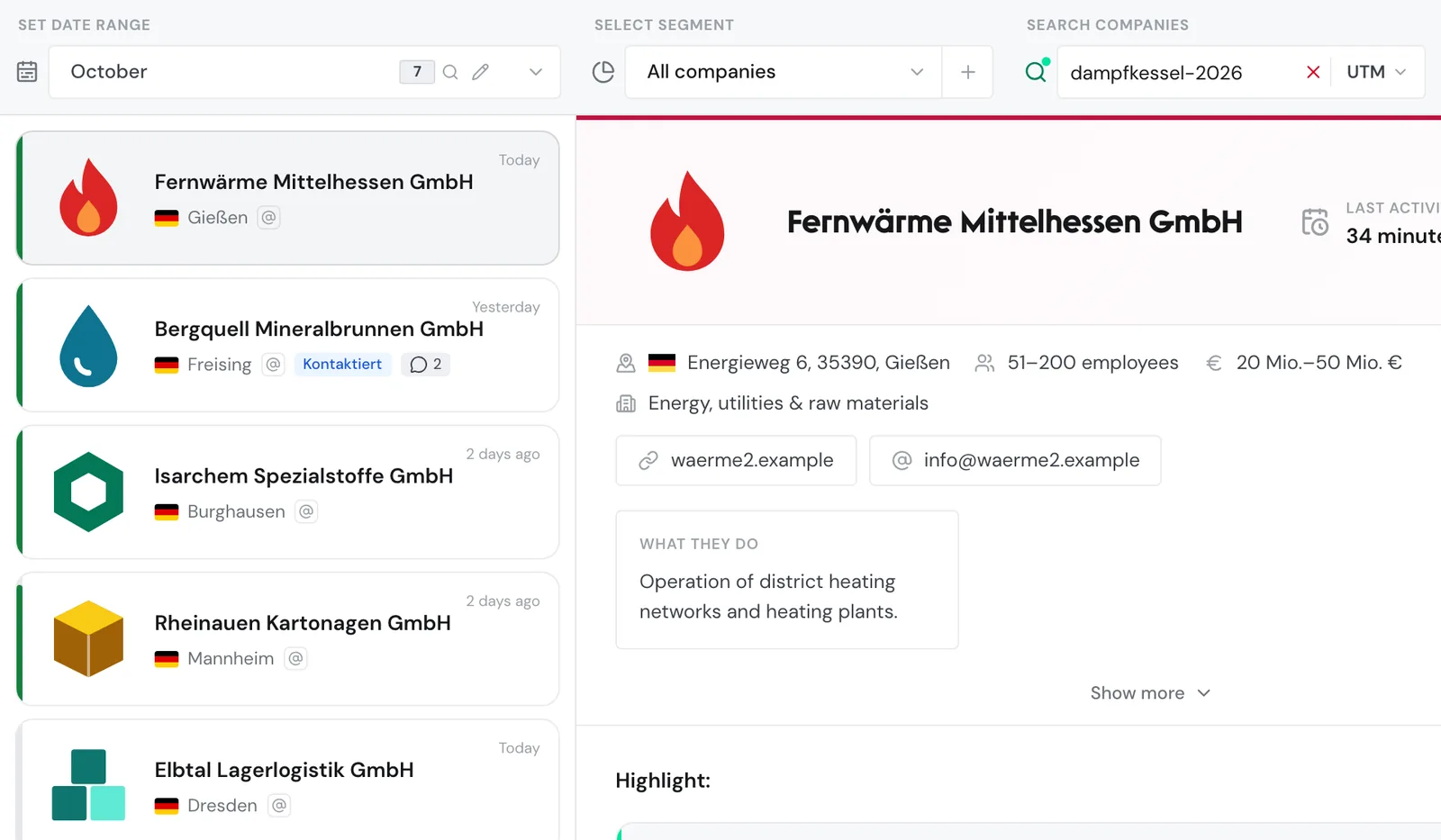
With the UTM search, you find all companies in the list that visited your website through a specific campaign:
- Under Search companies, click the mode at the right of the search field, which reads Name at first.
- Select UTM.
- Enter a value, for example
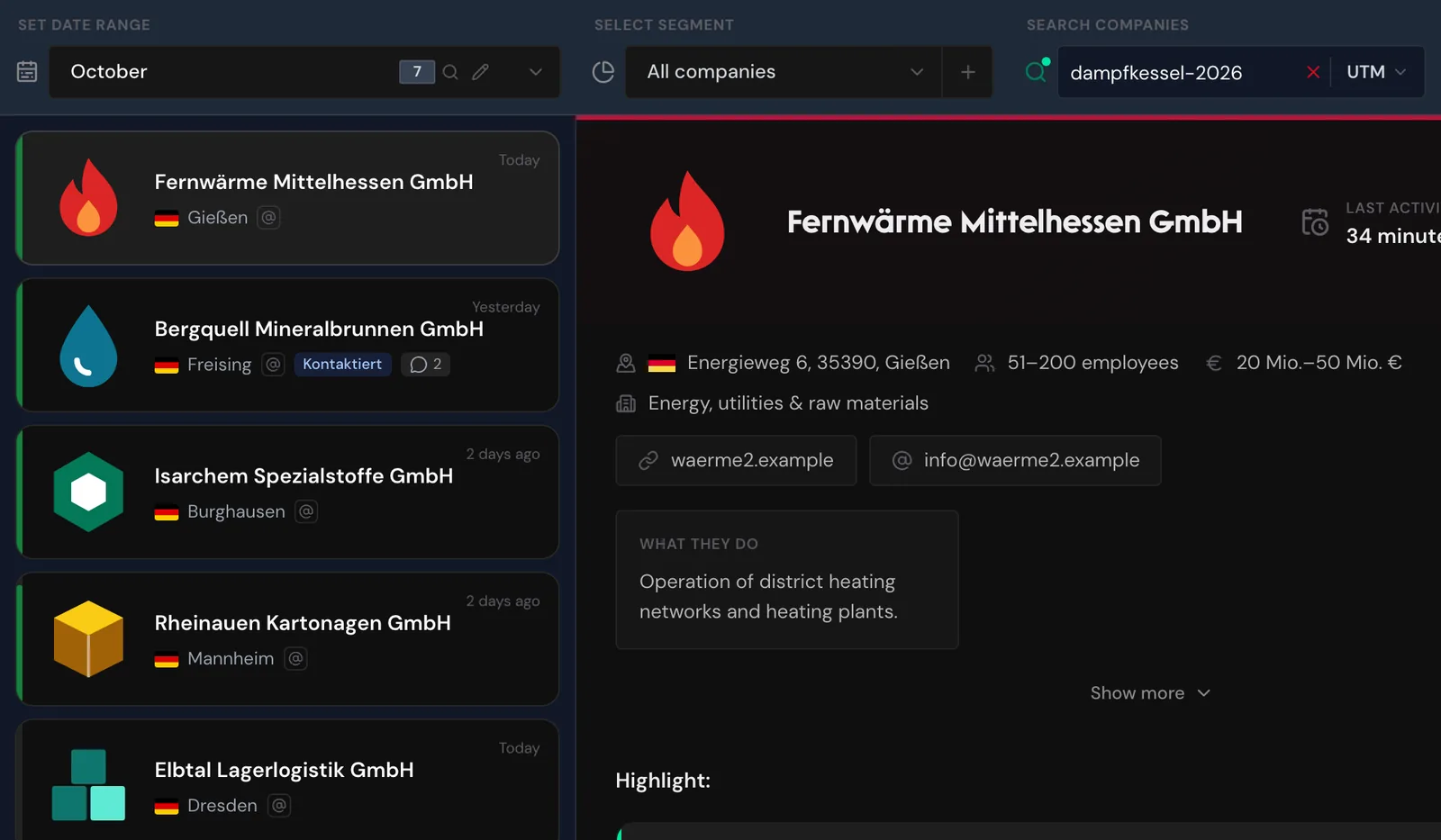
dampfkessel-2026. The list shows the companies with at least one matching visit in the selected date range. - Open a company and its visits view. Under In selected date range, you see only the matching visits.
These rules apply to the search:
- You enter one value per search, for example a source, a medium, or a campaign. Webmetic searches source, medium, campaign, term, and content.
- If the value contains
-or_and no space, it must match a stored value exactly. Sodampfkessel-2026finds only that campaign. - Otherwise, every word must appear in the same field, in any order.
- Upper and lower case don't matter for the search.
- If a segment is active, the field searches names only.
You can't search for the channel label itself, for example Paid Search. Filters and search explains all search modes.
UTM parameters for paid campaigns
For the dashboard to recognize a paid campaign as paid, set utm_medium=cpc or utm_medium=paid. Other values such as paid_social, ppc, or display don't count as paid for most channels.
A link like your-website.com/products?utm_source=linkedin&utm_medium=paid&utm_campaign=waermerueckgewinnung appears as LinkedIn with Paid Social and the chip waermerueckgewinnung. Webmetic recognizes ads with a click ID even without UTM parameters, but the chip shows a campaign only if the link contains utm_campaign.
Don't put UTM parameters on links within your website. Otherwise, every click on such a link starts a new visit.
Limits
- You can't define your own channel rules or channel names.
- Webmetic doesn't offer a generator for UTM links.
- The visit row doesn't show a campaign's cost or success.
- If someone moves between two of your domains, Webmetic doesn't connect the visits.