

Domain blacklist and organization types
Exclude domains and organization types so your agency, service providers, or public authorities don't appear in your company list.
Use the domain blacklist to hide individual companies, for example your agency, your service providers, or existing partners. Use organization types to hide whole groups: educational institutions and the public sector. At the end you'll have:
- a blacklist of domains whose companies Webmetic no longer adds to your list
- your choice of whether educational institutions and the public sector appear in your list
- the same effect on notifications, segments, CRM transfers, exports, and the API
Before you start
- Time: Each task on this page takes a few minutes.
- Plan: Both settings are available on every plan, including the Free plan and the trial. If a partner manages your account, the partner decides which menu items you see.
- Rights: Every user of your account can change both settings; you don't need admin rights. A change applies to the whole account and all its websites.
- Cost: Neither setting costs credits.
- Effect: A change applies to new visits after about 5 minutes. Companies already in the list stay there with their earlier visits. If you lift an exclusion, Webmetic doesn't add the visits from the time in between.
Exclude domains
Webmetic automatically hides your own company if the tracked website belongs to your company. Your company can still appear on other websites of your account, so add your own domain to the blacklist.
- Open Menu > Company > Domain blacklist. The Domain blacklist window shows the saved domains, one per line.
- Enter one domain per line, for example
agency-example.com, using the website domain from the company profile withoutwww.. - Click Save. A green message tells you how many domains are now on the blacklist.
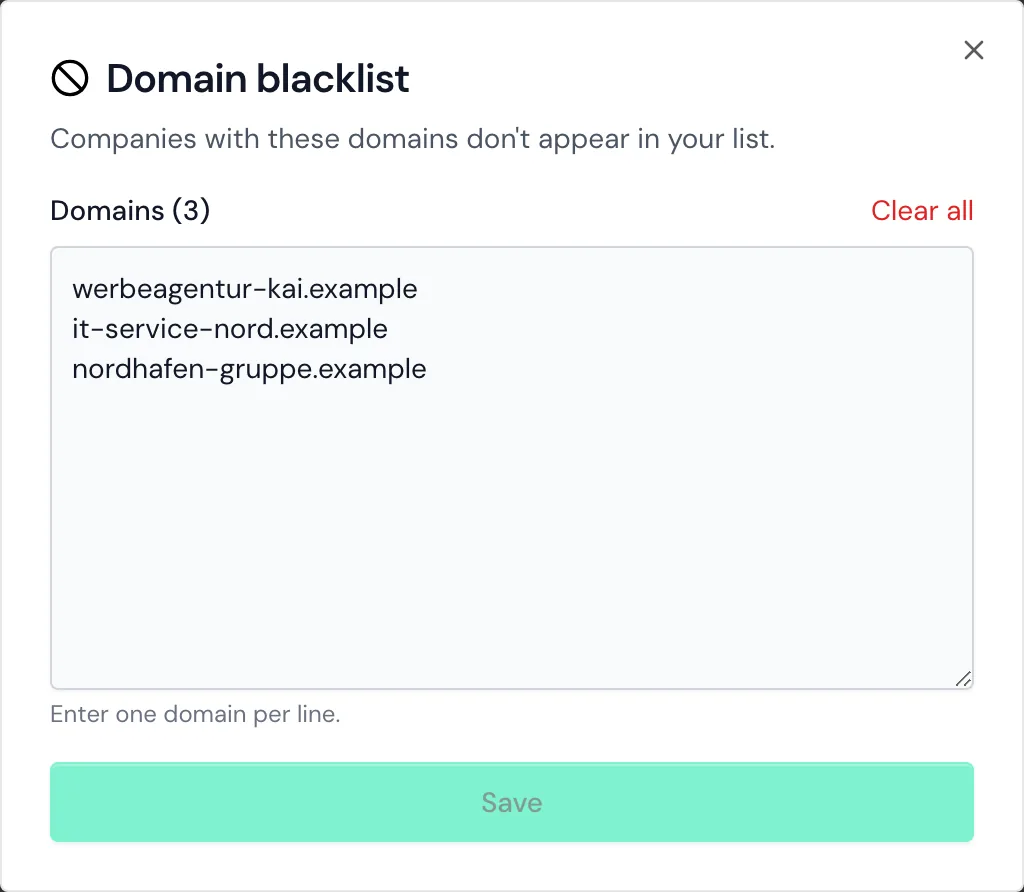
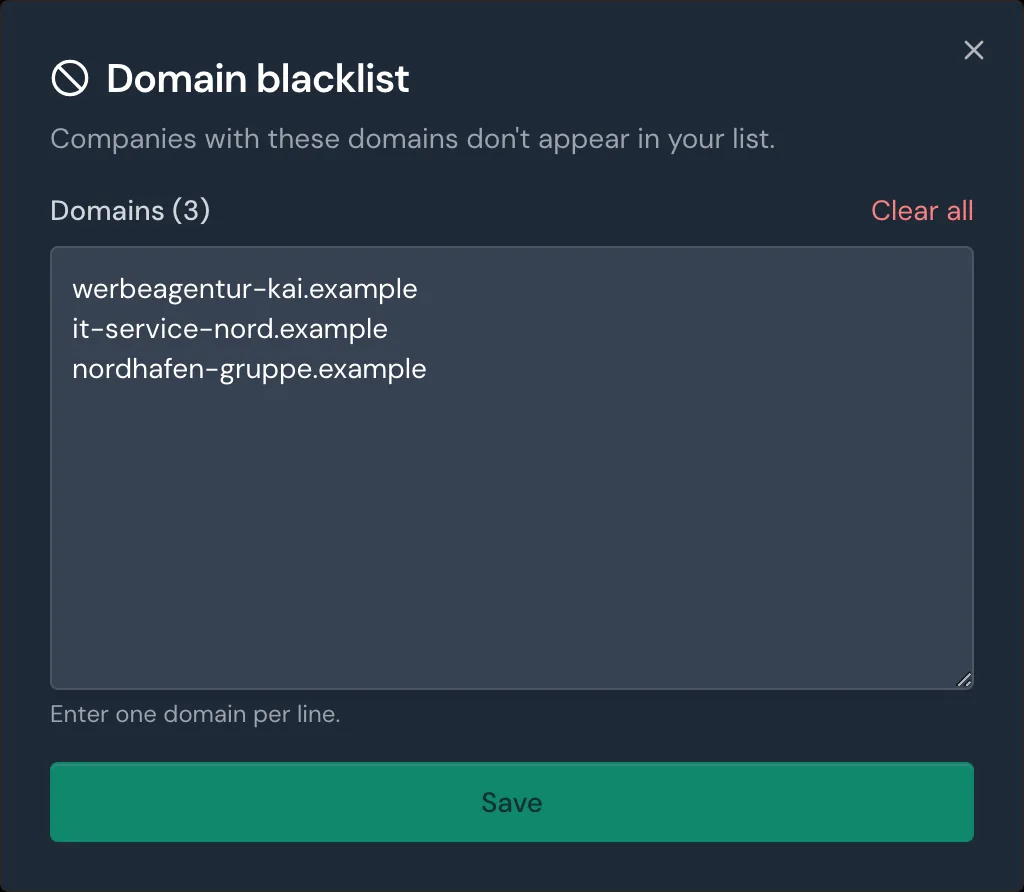
If a line in the list isn't valid, Webmetic saves nothing and names the invalid domains in a message. These rules apply to entries:
- A domain also excludes its subdomains, so
agentur-beispiel.dealso coverswww.agentur-beispiel.deandshop.agentur-beispiel.de. - A subdomain excludes the whole domain: with
shop.agentur-beispiel.de, every company with a website onagentur-beispiel.deis left out. - Add other endings separately, because
agentur-beispiel.dedoesn't excludeagentur-beispiel.com. - The field doesn't accept addresses with
https://, paths, email addresses, wildcards such as*.agentur-beispiel.de, or domains with umlauts.
Webmetic compares your entries with the identified company's website, so domains of email or internet providers have no effect.
Remove a domain
- Open Menu > Company > Domain blacklist.
- Delete the line with the domain.
- Click Save. New visits from this company show up in your list again after about 5 minutes.
The Clear all button empties the whole blacklist at once, without asking for confirmation first.
Show or hide organization types
Webmetic assigns every organization a type based on its website. Educational institutions include, for example, universities, schools, and research institutes. Public sector includes, for example, administrations, ministries, chambers of commerce, and public hospitals.
- Open Menu > Organization types. The Organization types window shows two switches and describes below each one what belongs to the type.
- Click the switch of the type you want to hide. Webmetic saves the change at once, and the window has no save button. A second click shows the type again.
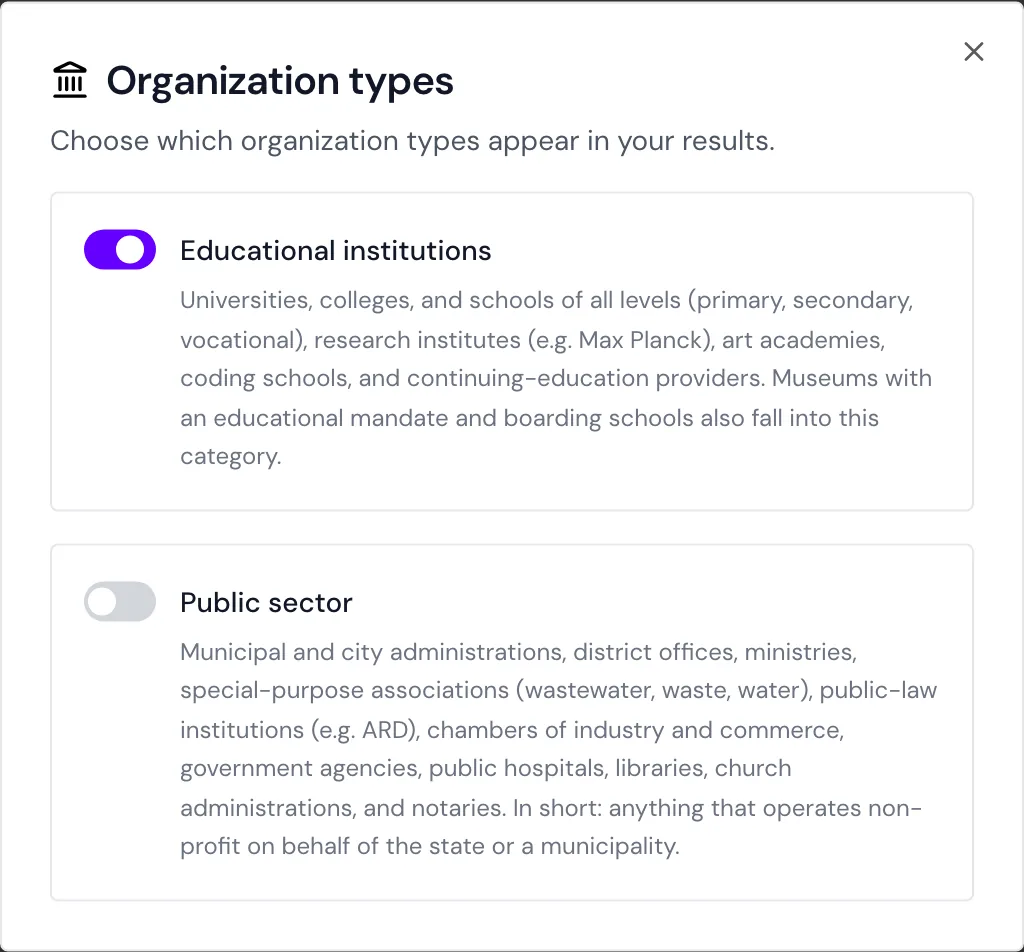
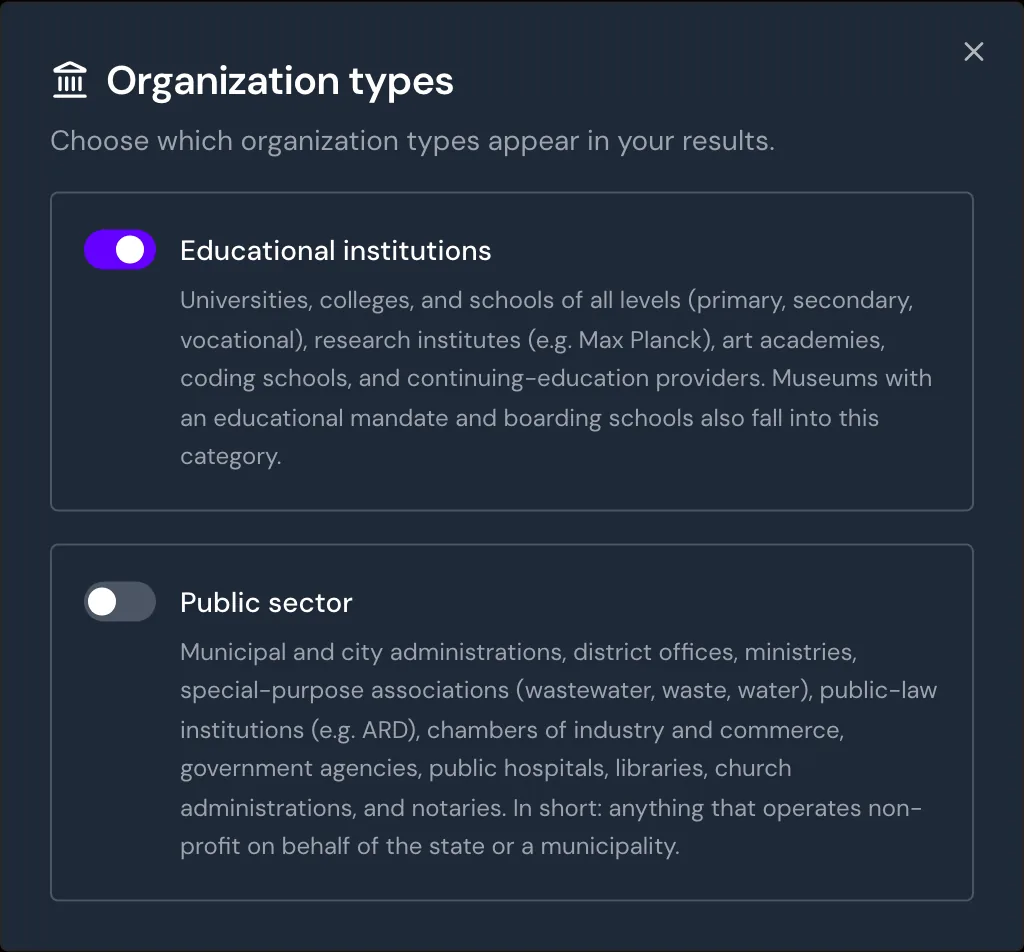
Both switches are on by default, and Webmetic always shows businesses, which have no switch. If a switch jumps back, Webmetic didn't save the change, so click it again.
When a type is off, organizations of that type get no new visits, even if they're already in the list. The list doesn't show the type, and you can't filter by it.
Affected features
Companies and organizations that Webmetic doesn't add to the list because of an exclusion are missing everywhere Webmetic works with the company list:
- Webmetic sends no notification for them and shows them in no segment.
- Webmetic doesn't send them through the integrations, but companies that Webmetic already sent stay in your CRM.
- Exports, the API, the AI assistant, and ICP Analytics don't include them.
- They don't count under Usage.
- On the Free plan, they take none of the readable places. For details, see Trial and Free plan.
Companies that were in the list before stay in segments, exports, the API, and ICP Analytics with their earlier visits. If they already had visits in the current period, they still count under Usage.
Smart Pages and the Data Layer still identify excluded companies, because they don't work with the list. In Enrichment, you still see all organization types for the domains you uploaded.
Limits
Exclusions have these limits:
- There's no exclusion by IP address. Hide your own company with the domain blacklist.
- You can't exclude by country, industry, or size. To see only certain companies, create a segment.
- The blacklist applies to all websites of your account, and there's no separate list per website.